8 Best LangChain Alternatives in 2026 (Ranked & Reviewed)
LangChain powerful but too complex? Here are the 8 best LangChain alternatives in 2026 — from no-code AI agent builders to leaner Python frameworks — ranked for developers and teams who want results faster.
LangChain
AI Frameworks
Alternatives
AI Development
What Is LangChain (and Why Developers Look for Alternatives)
LangChain launched in late 2022 and quickly became the default framework for building LLM-powered applications. It introduced concepts that the whole field now uses: chains, agents, memory, tools, retrievers, and output parsers. For a while, it was the only structured way to build anything serious with GPT-4 or Claude.
But as the framework grew, so did its problems. By 2025, LangChain had become infamous for three things:
Breaking changes. Minor version bumps regularly break production applications. Teams maintain pinned dependencies and hold off upgrades for months out of fear — a maintenance burden that compounds over time.
Abstraction overload. LangChain wraps everything in layers of abstraction (Runnable, LCEL, BaseChatModel, BaseRetriever) that make the code hard to read, hard to debug, and hard to explain to teammates. A simple RAG pipeline that could be 30 lines of direct API calls becomes 150 lines of chained LangChain objects.
Overhead for simple tasks. Tasks that should take an afternoon — “build a chatbot that reads our docs” — take days when you factor in LangChain’s learning curve, debugging session, and prompt engineering. The framework introduces friction that didn’t exist before it.
None of this means LangChain is bad. It’s powerful, well-documented, and widely supported. But in 2026 there are better options for most use cases — leaner frameworks, visual platforms, and production-ready alternatives that solve the same problems without the overhead.
Pricing: LangChain (the open-source library) is free under the MIT license — no cost to use it in your projects. LangSmith (the observability and testing platform) offers:
Developer — Free. Up to 5,000 traces/month, 14-day trace retention, 1 user
Plus — $39/month per user. 50,000 traces/month, 400-day retention, collaboration features
Retrieval-augmented generation (RAG) with document loaders and vector store connectors
LangSmith for tracing, evaluation, and prompt management
LangGraph for stateful, graph-based agent orchestration
The 8 Best LangChain Alternatives in 2026
1. FlowHunt — Best Overall (No Code Required)
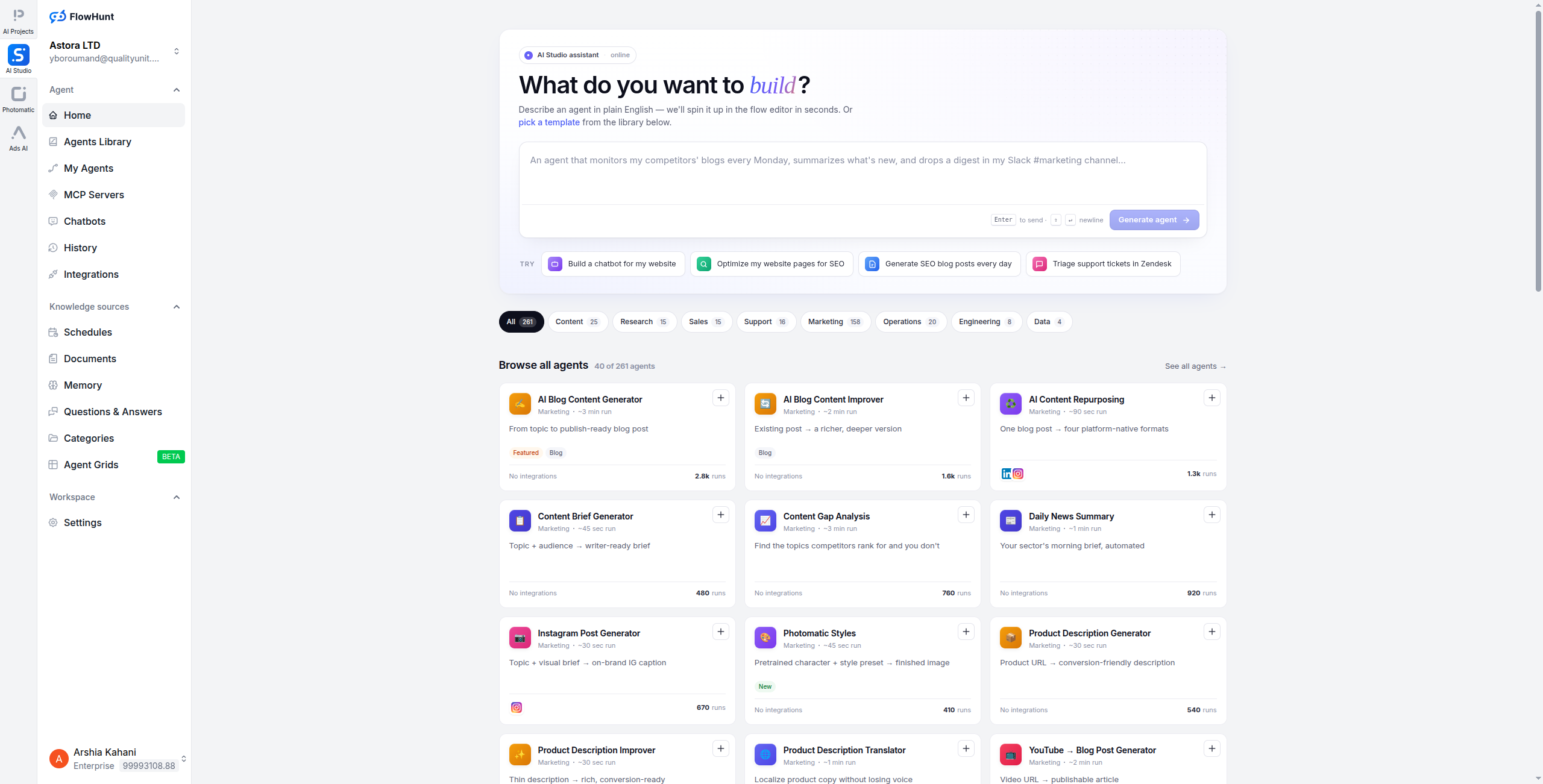
FlowHunt is the most complete LangChain alternative for teams that want to ship AI agents fast — without wrestling with Python package versions, LCEL syntax, or boilerplate configuration. It replaces LangChain’s entire stack (model routing, tool calling, RAG, memory, agent orchestration) with a visual drag-and-drop builder that runs in your browser.
Where LangChain requires hundreds of lines of Python to wire up a RAG agent with memory and tool use, FlowHunt lets you drag in a “Vector Search” node, connect it to an LLM node with a system prompt, attach a memory block, and deploy in under an hour. The same agent runs across chat widgets, API endpoints, Slack, and email — no additional integration code needed.
FlowHunt supports every major LLM (GPT-4o, Claude 3.5, Gemini 1.5, Mistral, Llama 3), has 1,400+ pre-built integrations, and includes built-in monitoring, version control, and team collaboration tools. It’s genuinely enterprise-ready: SOC 2 compliant, with RBAC and audit logs.
Pricing:
Free — $0/month. Includes a generous free tier to build and test agents
Pro — Usage-based pricing that scales with the number of executions and API calls
Enterprise — Custom pricing with SSO, RBAC, audit logs, dedicated support, and SLA
Key features:
Visual drag-and-drop workflow builder — no code required
Multi-LLM support: GPT-4o, Claude 3.5, Gemini, Mistral, Llama 3
Enterprise-grade security: SOC 2, RBAC, audit logs, team collaboration
Pros: Zero code required, fastest time-to-production, built-in RAG and memory, 1,400+ integrations, enterprise-ready Cons: Less raw flexibility than a Python framework for highly custom agent logic; requires cloud deployment (no self-host option currently)
Best for: Business teams, product teams, and developers who want production agents without framework maintenance overhead.
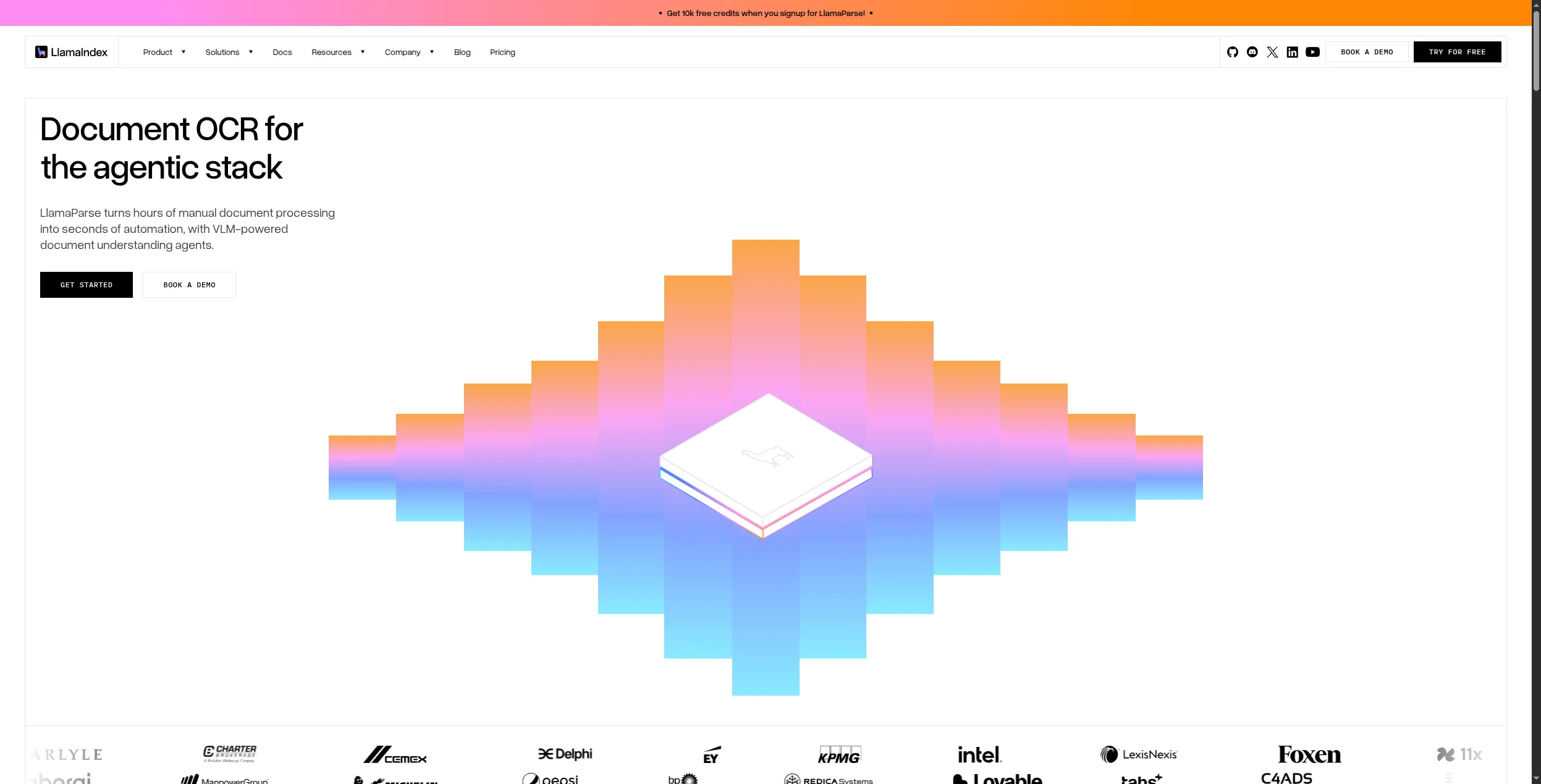
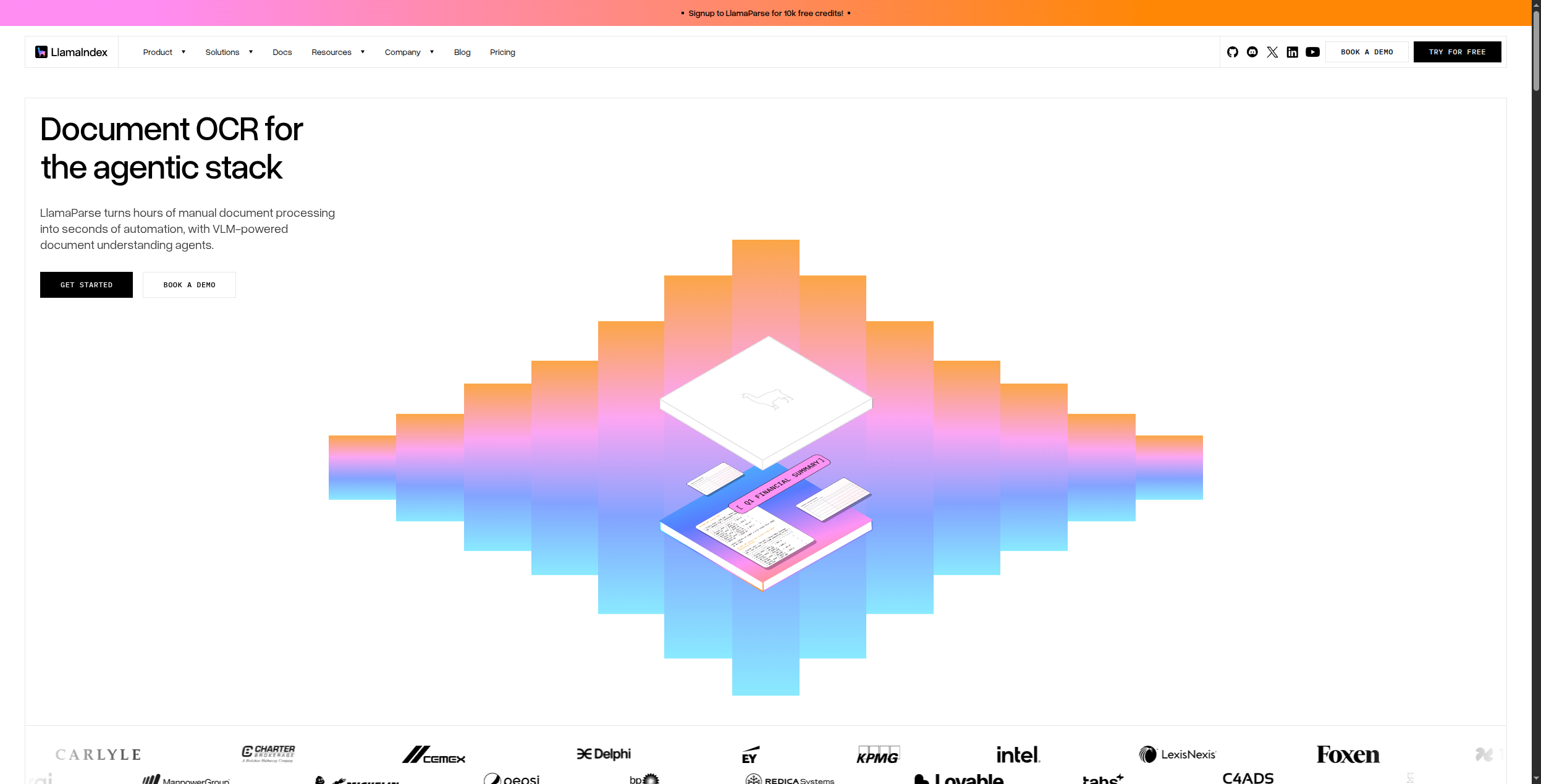
LlamaIndex (formerly GPT Index) was purpose-built for one thing: connecting LLMs to data. It has evolved into a full agent framework, but its core strength remains document indexing, retrieval, and query engine construction — all areas where LangChain’s abstractions feel clunky.
Where LangChain’s retriever abstraction hides too much detail, LlamaIndex gives you explicit control over chunking strategy, embedding model selection, similarity metrics, and re-ranking. Its QueryEngine and RouterQueryEngine make it easy to route questions across multiple data sources — something that takes significant custom work in LangChain.
LlamaIndex also has cleaner async support and better integration with observability tools like LlamaTrace (now Arize Phoenix), making it easier to debug production agents.
Pricing: LlamaIndex (the open-source library) is free under the MIT license. LlamaCloud (managed cloud service) offers:
Free — $0/month. 1 pipeline, 100k credits/month, community support
Plus — $49/month. 5 pipelines, 1M credits/month, email support
Pro — $249/month. 25 pipelines, 5M credits/month, priority support
Enterprise — Custom pricing. Unlimited pipelines, SSO, SLA, dedicated support
Key features:
Purpose-built data connectors for 160+ data sources (PDFs, databases, APIs, wikis)
Flexible query engines: vector, keyword, hybrid, and knowledge graph retrieval
Sub-question decomposition for complex multi-hop queries
Agentic RAG with tool-using agents that can reason over retrieved data
LlamaCloud for managed ingestion, indexing, and retrieval pipelines
Native integration with observability tools (Arize Phoenix, LangSmith, W&B)
Pros: Best-in-class document handling and RAG, cleaner abstractions than LangChain, excellent async support, strong community Cons: Less breadth than LangChain for non-RAG use cases, still requires Python proficiency, smaller integration ecosystem
Best for: Developers building document Q&A systems, research assistants, knowledge base agents, or any application where data retrieval quality is critical.
3. Dify — Best Open-Source Visual Alternative
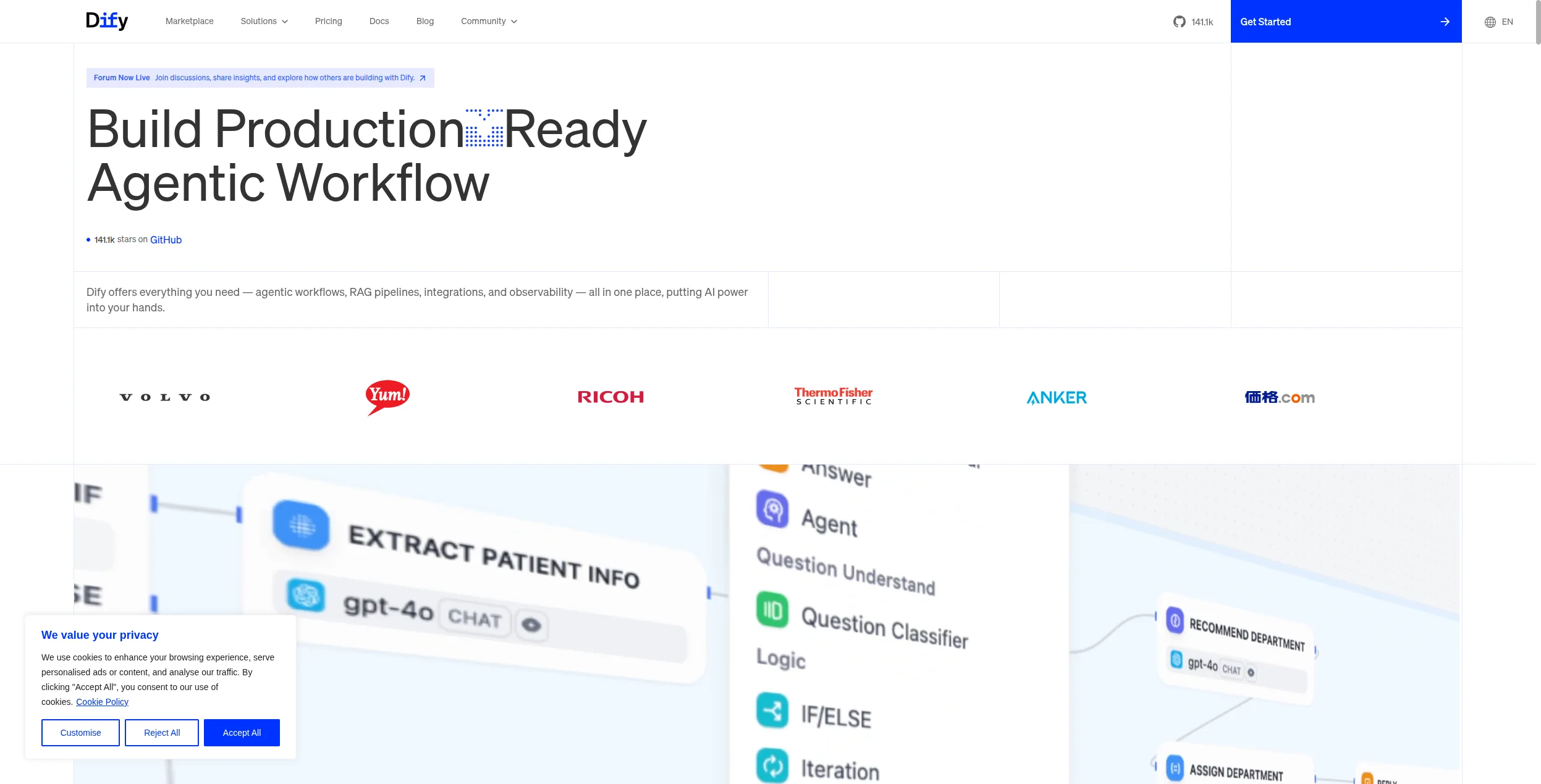
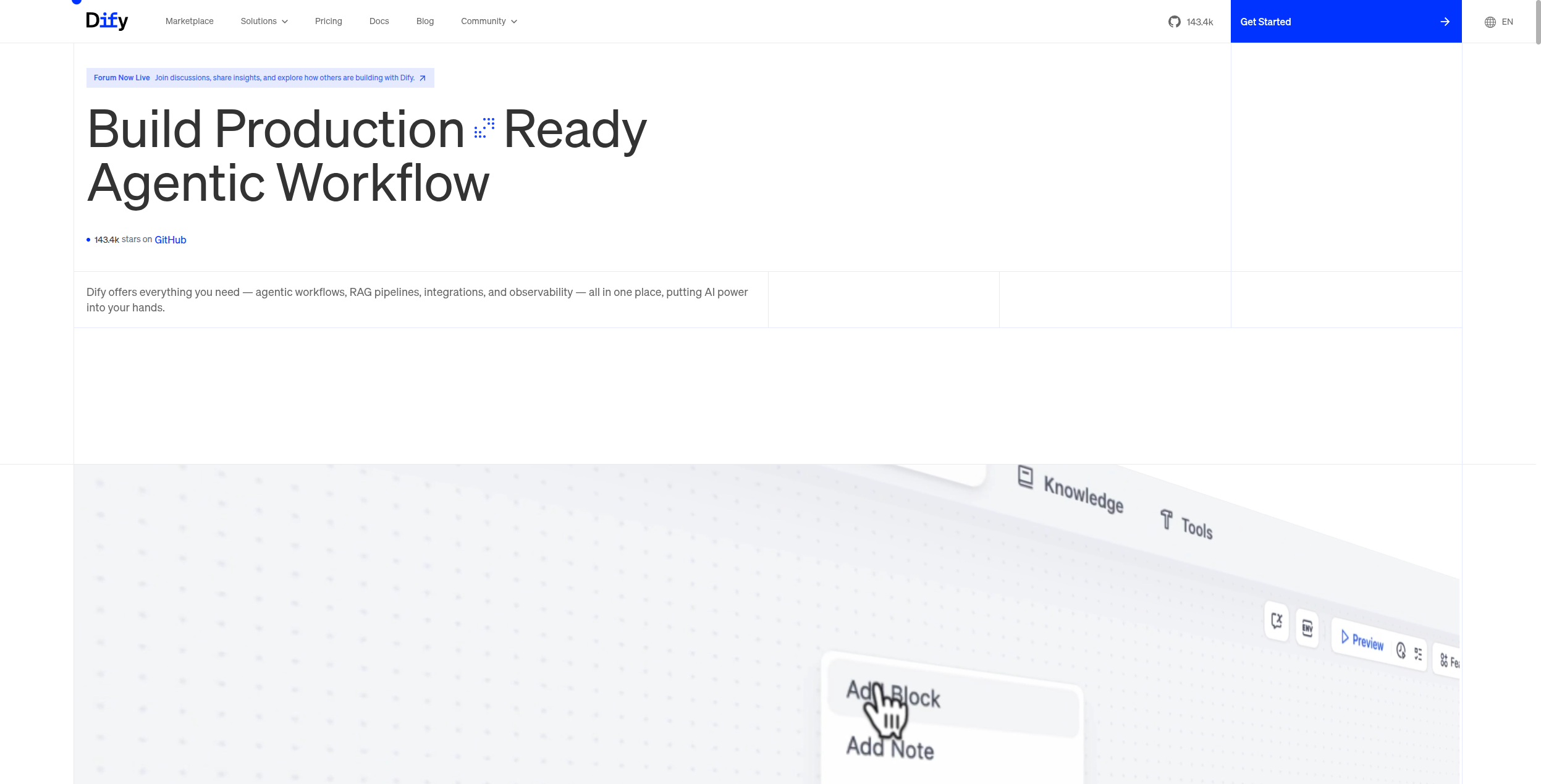
Dify is an open-source LLMOps platform that takes a visual-first approach to LangChain’s programmatic model. Instead of writing Python to define your prompt templates, retrieval chains, and agent workflows, you configure them in a browser-based orchestration studio.
Dify includes a full RAG pipeline builder with document upload, chunking, embedding, and retrieval configuration — no code required. It also has a workflow editor for multi-step agentic flows, a prompt management system, and a model provider switcher that lets you swap between OpenAI, Anthropic, Cohere, and local models without changing any application logic.
Because it’s fully open-source (MIT licensed) and Docker-deployable, Dify is popular with teams that need self-hosting for data privacy or compliance reasons. The cloud version at dify.ai is free to start.
Docker-based self-hosting for full data sovereignty
REST API for embedding Dify agents into any application
Pros: Open-source and self-hostable, visual prompt orchestration, built-in RAG pipeline, model-agnostic, active community Cons: Less flexible than pure Python for complex custom logic, cloud version has usage limits, documentation can lag behind new features
Best for: Development teams that want visual LLM orchestration without vendor lock-in, or any team with data privacy requirements that rules out SaaS platforms.
4. Flowise — Best Visual Builder for LangChain Flows
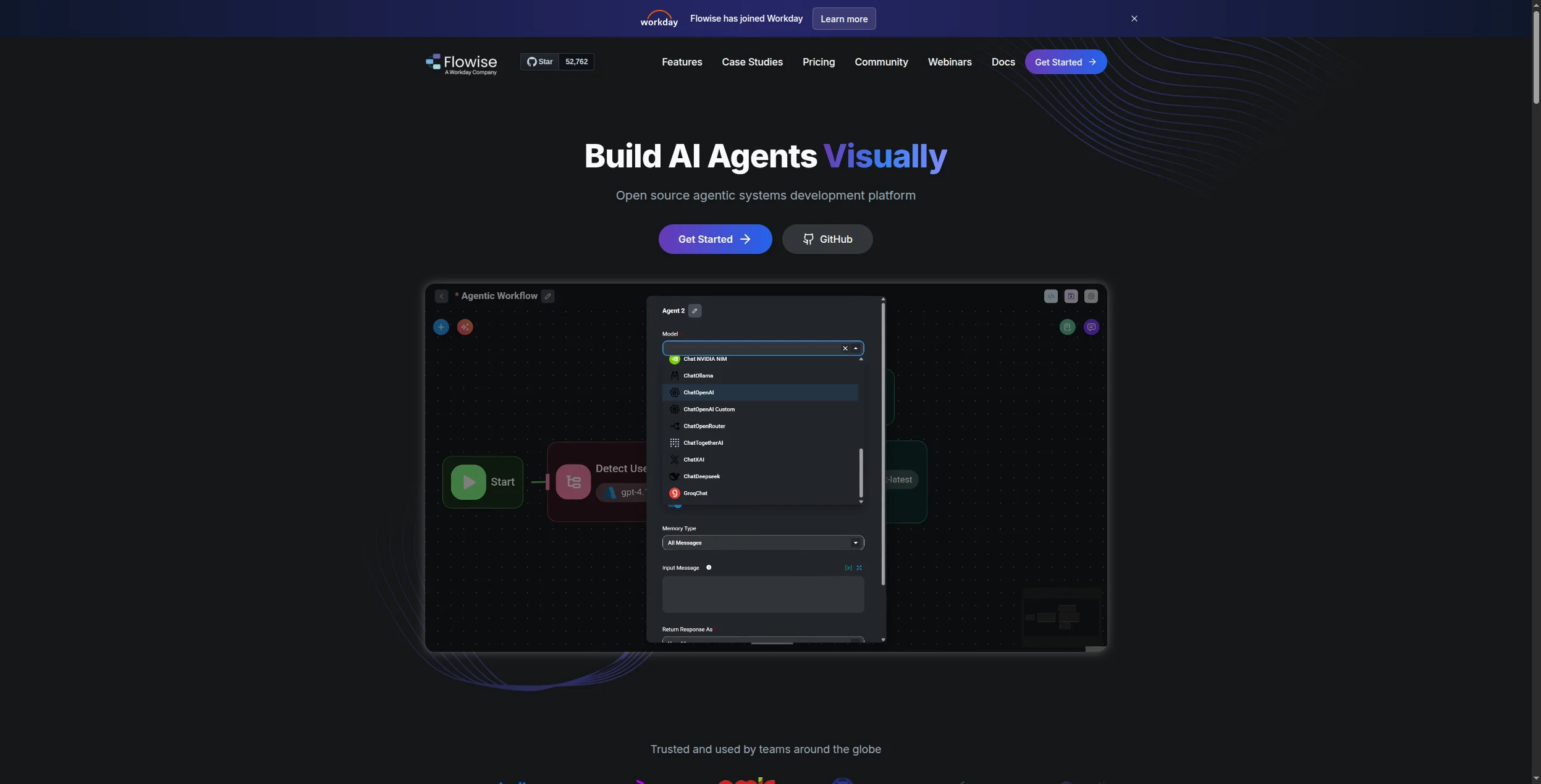
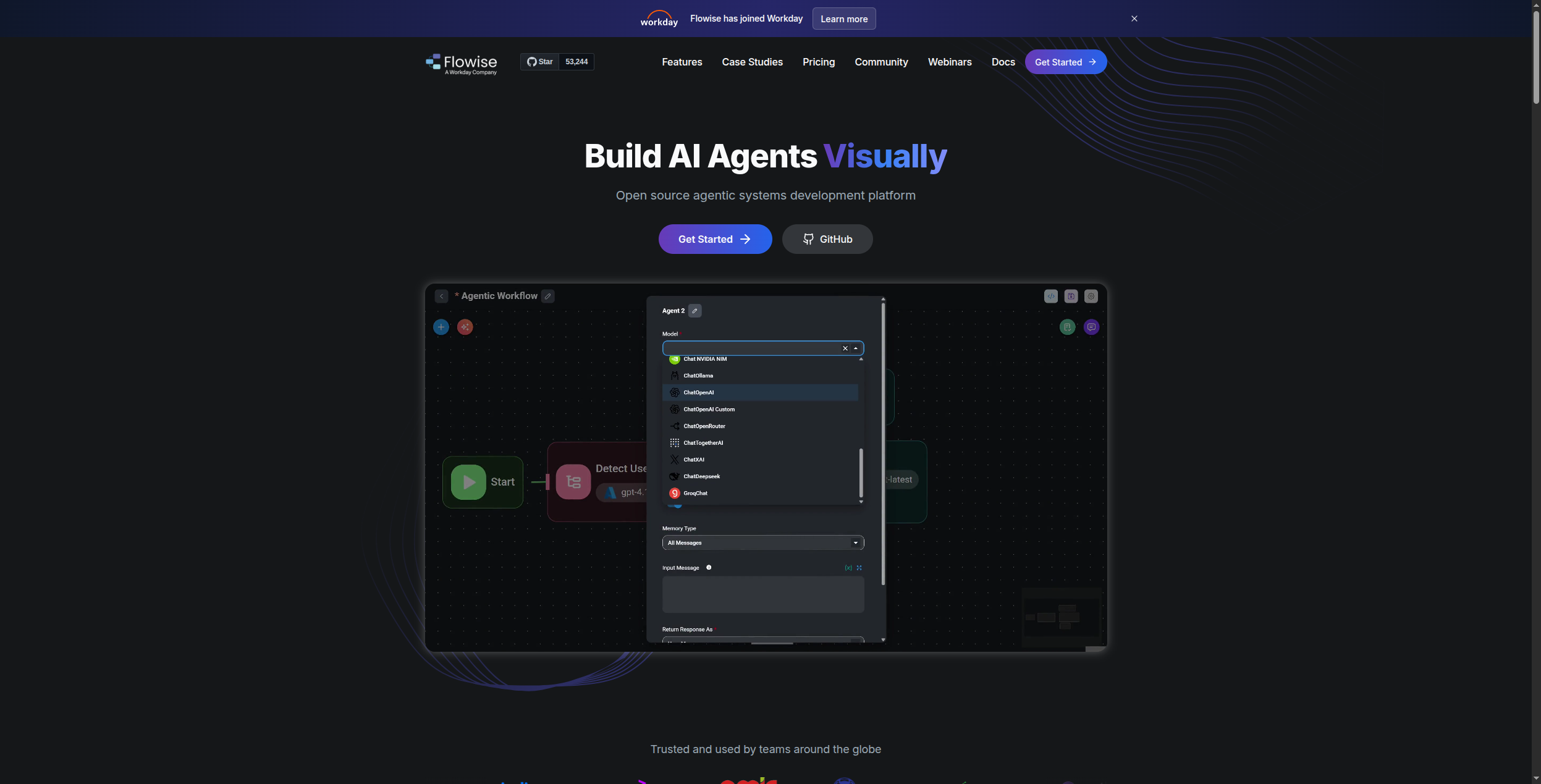
If you like LangChain’s concepts but hate writing LangChain code, Flowise is the answer. It’s an open-source, self-hostable visual builder that generates LangChain flows from drag-and-drop components — so you get all the LangChain ecosystem (document loaders, vector stores, memory types, tool integrations) without writing a line of Python.
Flowise has an active marketplace of community flows, and its node library covers every major LangChain component: ChatOpenAI, ConversationalRetrievalChain, AgentExecutor, PineconeVectorStore, and more. Because it exposes the underlying LangChain JSON, power users can extend any node with custom code when visual editing isn’t enough.
Pricing:
Open Source — Free forever. Self-host on your own infrastructure, full feature access, unlimited flows and executions
Starter — $35/month (cloud). 5,000 predictions/month, 1 workspace, community support
Agentflow builder for multi-step agentic workflows (beyond simple chains)
API endpoint generation — deploy any flow as a REST API instantly
Community marketplace with shareable and importable flow templates
Embed chat widget into any website with a single script tag
Pros: True LangChain compatibility without code, self-hostable, active community, easy to share and version control flows Cons: Tied to LangChain’s release cycle (inherits version instability), more limited than Dify for complex orchestration patterns, UI less polished than commercial alternatives
Best for: LangChain users who want to go visual; teams that want to prototype LangChain agents quickly before productionizing.
5. CrewAI — Best for Multi-Agent Role-Based Systems
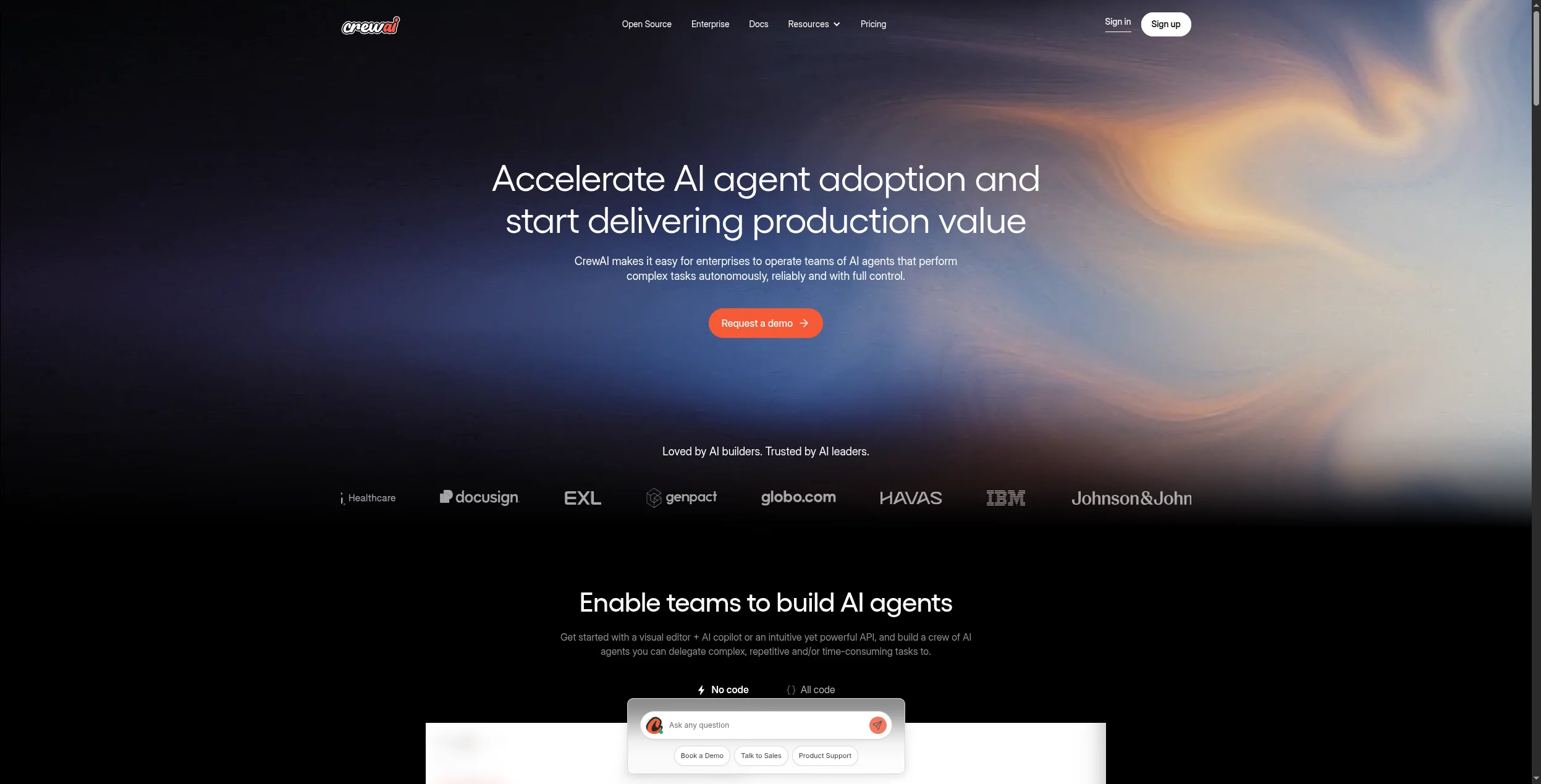
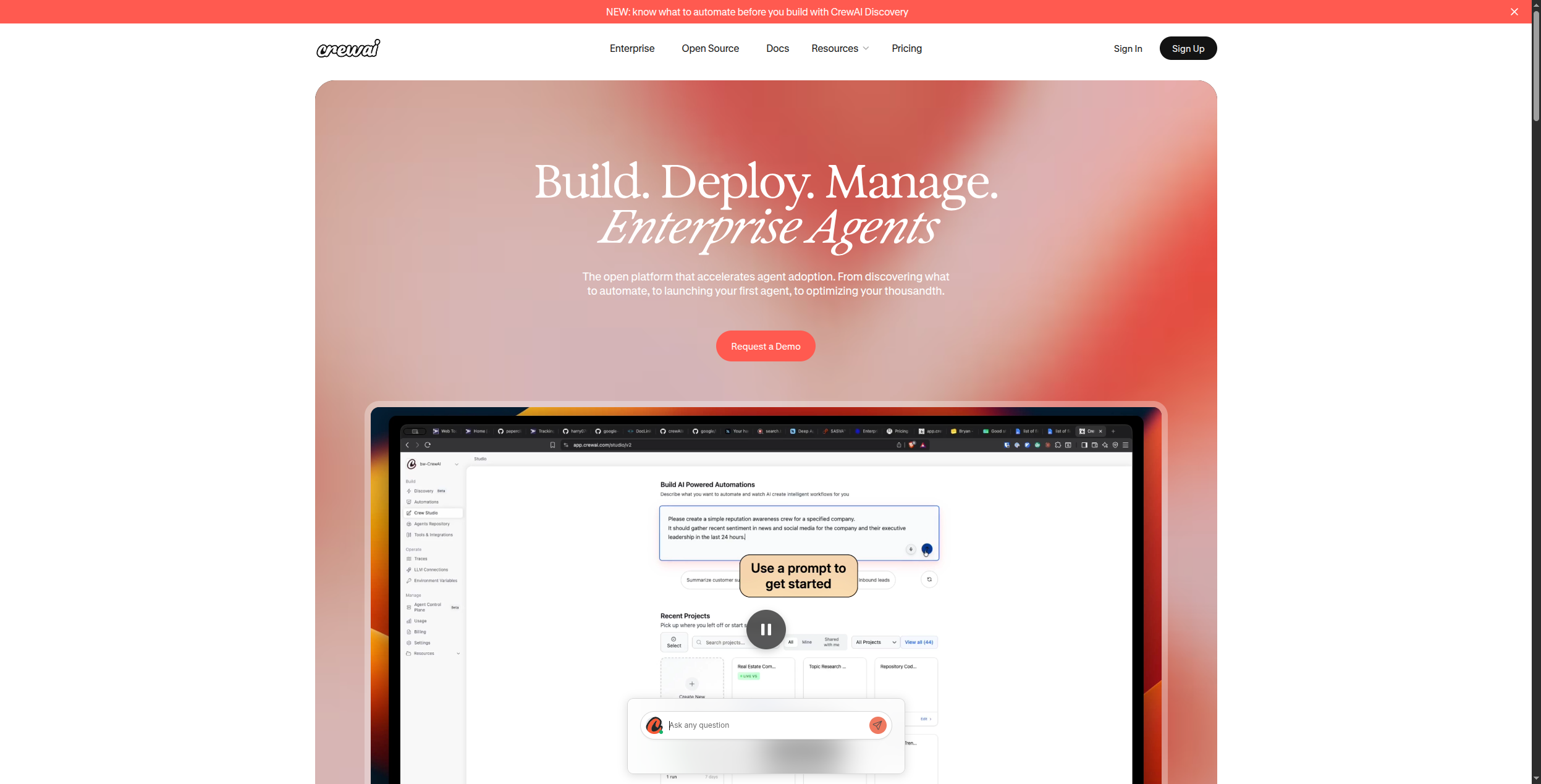
CrewAI introduces a different mental model: instead of chains and tools, you define a “crew” of AI agents, each with a name, role, goal, and backstory. The crew collaborates on tasks through a defined process (sequential or hierarchical), with agents delegating work to each other based on their roles.
This role-based pattern maps naturally onto real-world team workflows — a “Research Agent” that finds information, a “Writer Agent” that synthesizes it, and a “QA Agent” that checks the output before delivery. CrewAI handles the inter-agent communication, memory sharing, and task delegation automatically.
CrewAI is significantly lighter than LangChain for multi-agent use cases and requires far less boilerplate. Its abstractions are intuitive enough that non-LangChain developers can pick it up quickly.
Pricing:
Open Source — Free forever. Self-deploy CrewAI framework, full Python library access
Hobby — Free. Access to CrewAI+ cloud platform, 10 crew runs/month, community support
Pro — $99/month. 500 crew runs/month, crew monitoring dashboard, deployment hosting, email support
Role-based agent design with name, role, goal, backstory, and tools per agent
Sequential and hierarchical process orchestration
Built-in agent memory: short-term, long-term, entity, and contextual memory
Tool integration framework compatible with LangChain tools and custom Python functions
Crew monitoring and execution tracing in CrewAI+ cloud
Human-in-the-loop support for approval steps within crew tasks
Pros: Intuitive role-based multi-agent model, lightweight, fast setup, excellent for pipeline-style multi-agent workflows Cons: Less flexible for non-crew patterns, smaller integration ecosystem than LangChain, requires Python, early-stage observability tooling
Best for: Developers building research pipelines, content creation workflows, or any use case involving parallel agents with distinct roles.
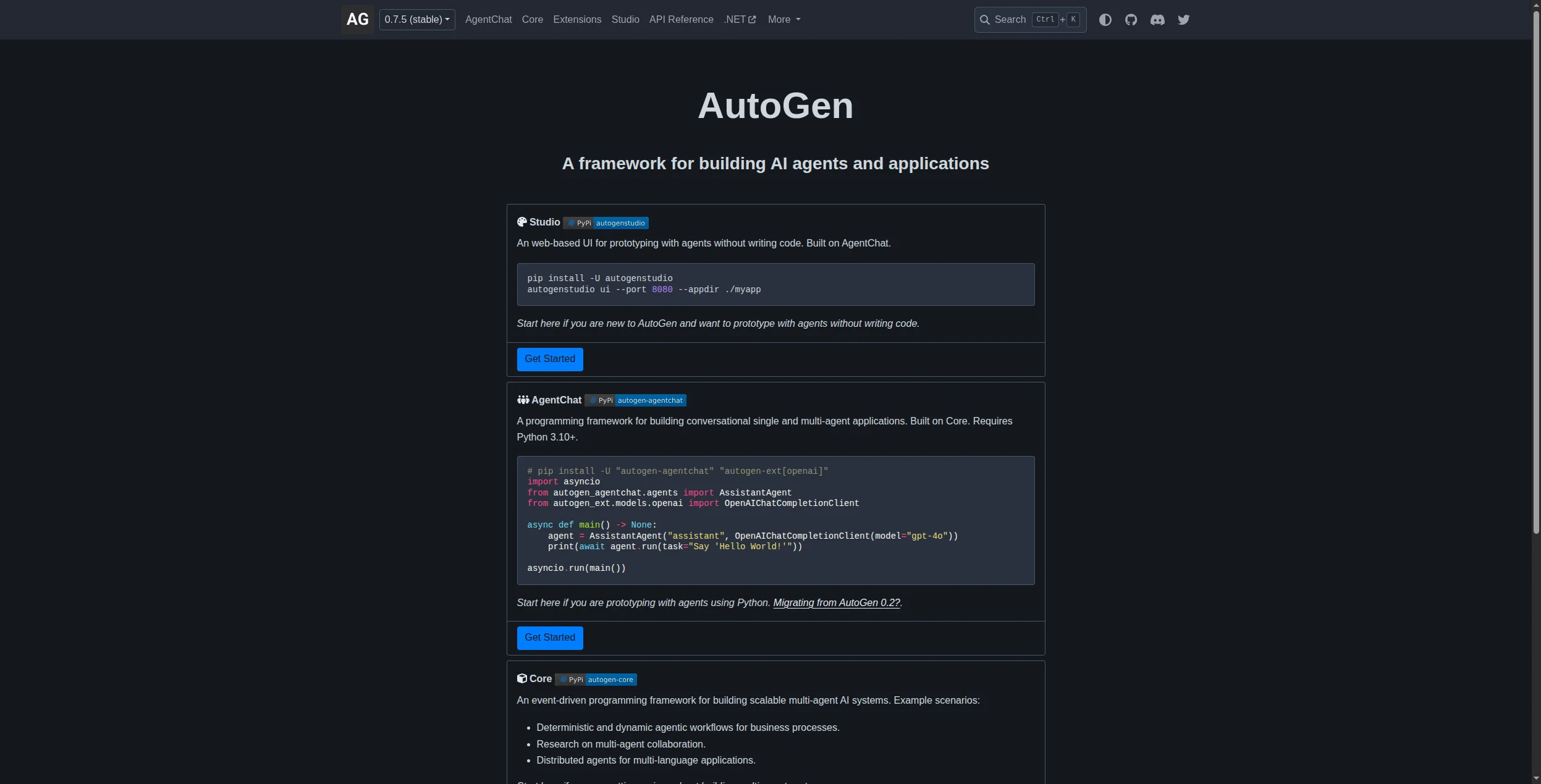
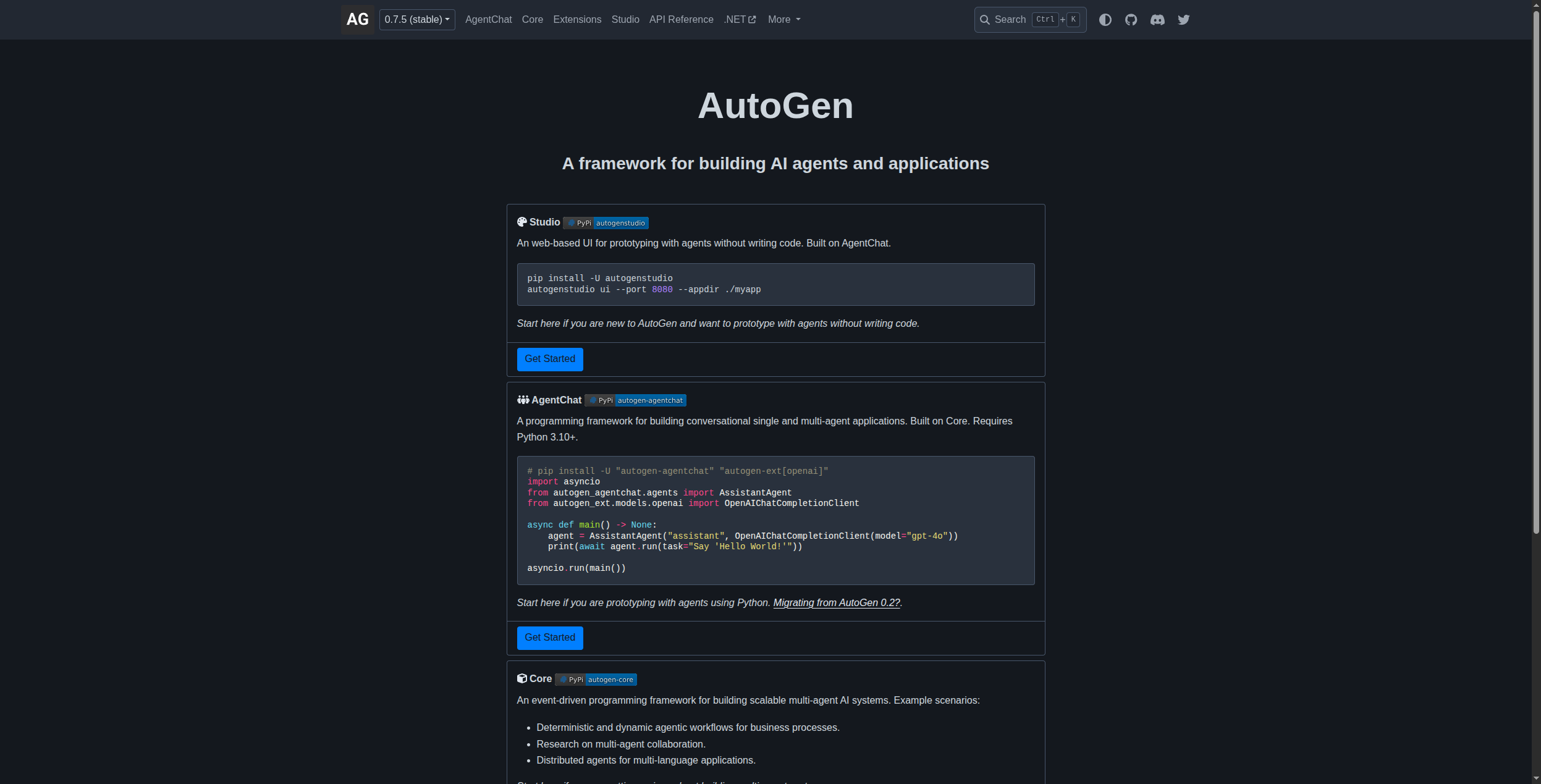
6. AutoGen — Best for Conversational Multi-Agent Systems
Microsoft’s AutoGen framework centers on conversational agent patterns — agents that talk to each other (and to humans) to complete tasks through dialogue. Its “GroupChat” and nested conversation patterns make it powerful for research tasks, code generation, and any workflow that benefits from agent-to-agent debate and correction.
AutoGen’s human-in-the-loop design is a genuine differentiator: you can inject human feedback at any point in the conversation, making it suitable for high-stakes workflows where full autonomy isn’t appropriate. It also has strong code execution capabilities, with agents that can write, execute, and debug code iteratively.
Pricing: AutoGen (the open-source framework) is free under the MIT license with no usage fees. AutoGen Studio (the visual interface for building and testing AutoGen agents) is also free and open-source. For enterprise deployments, Microsoft Azure AI provides managed AutoGen infrastructure within Azure pricing tiers.
Key features:
Conversational multi-agent patterns (two-agent, group chat, nested conversations)
Human-in-the-loop support at any conversation turn
AssistantAgent with built-in code writing, execution, and debugging
GroupChat manager for orchestrating 3+ agents in round-robin or custom patterns
Tool use via function calling with any OpenAI-compatible model
AutoGen Studio for visual agent configuration and testing (no code required)
Pros: Excellent conversational multi-agent patterns, strong human-in-the-loop support, Microsoft backing, built-in code execution Cons: Conversational pattern doesn’t fit all use cases, steeper learning curve than CrewAI, verbose for simple pipelines
Best for: Research automation, code generation agents, workflows requiring human review at intermediate steps, and enterprise teams in the Microsoft ecosystem.
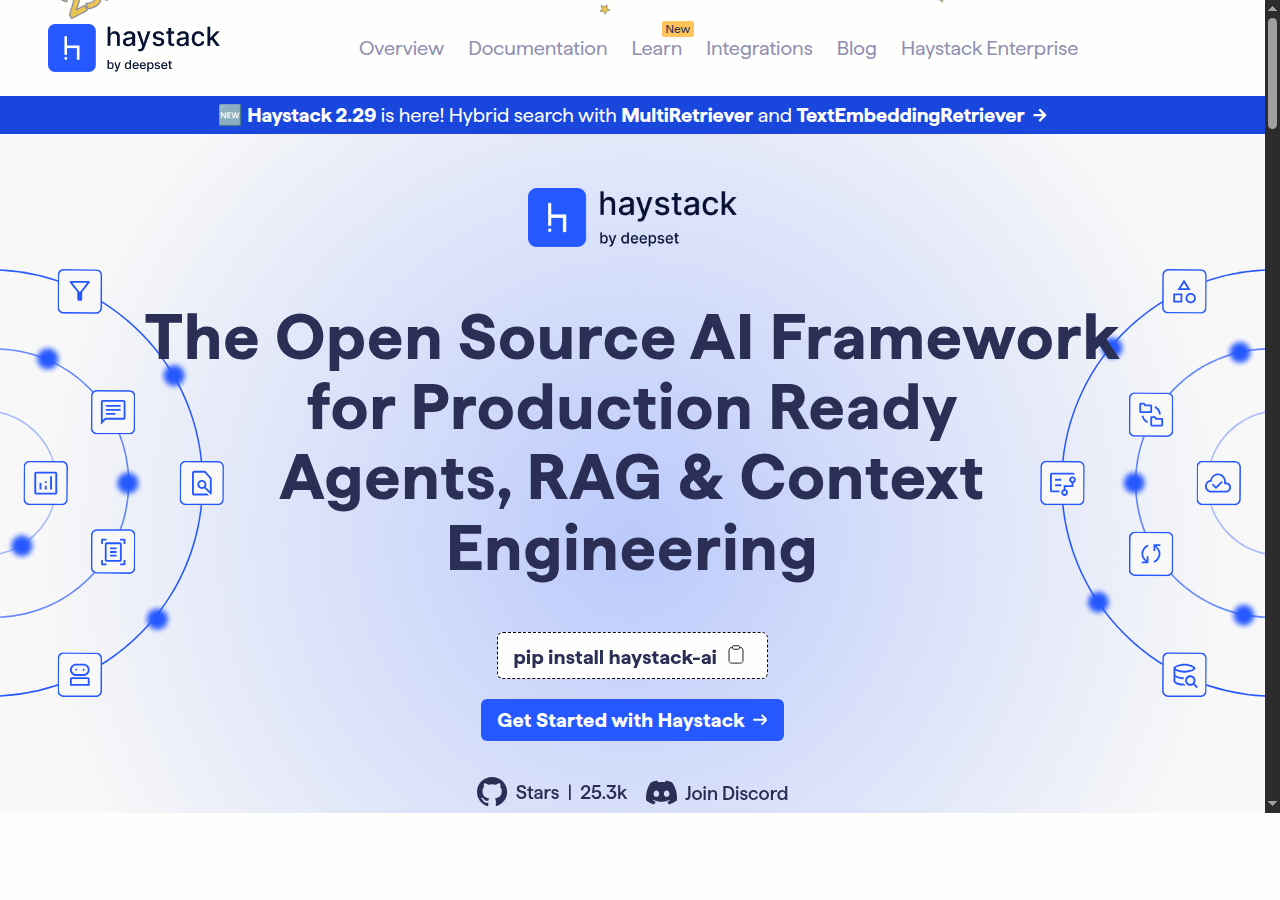
7. Haystack — Best for Production NLP Pipelines
Haystack by deepset is built for production. Where LangChain is often a research-to-production migration headache, Haystack is designed from the ground up for reliability, modularity, and enterprise deployment. Its pipeline abstraction uses explicit component graphs with typed inputs/outputs that catch integration errors at build time rather than runtime.
Haystack excels at document processing, hybrid search (sparse + dense retrieval), question answering, and generative QA pipelines. Its evaluation framework (Haystack Evaluation) makes it easy to measure retrieval quality and LLM output quality systematically — a critical capability for production systems.
Pricing: Haystack (the open-source framework) is free under the Apache 2.0 license. deepset Cloud (the managed enterprise platform built on Haystack) offers:
Free — $0. Limited pipeline runs, community support, 1 workspace
Developer — $99/month. 50,000 pipeline runs/month, 3 workspaces, email support
Built-in evaluation framework for measuring retrieval and generation quality
Model-agnostic: OpenAI, Anthropic, Cohere, HuggingFace, Azure, local models via Ollama
Haystack Traces for observability and pipeline debugging
Pros: Production-grade reliability, typed pipeline components, excellent evaluation tooling, strong document processing, well-documented Cons: More opinionated than LangChain (less flexible for novel patterns), heavier learning curve for beginners, smaller ecosystem
Best for: Enterprise teams building production RAG/QA systems that need reliability, testability, and evaluation metrics from day one.
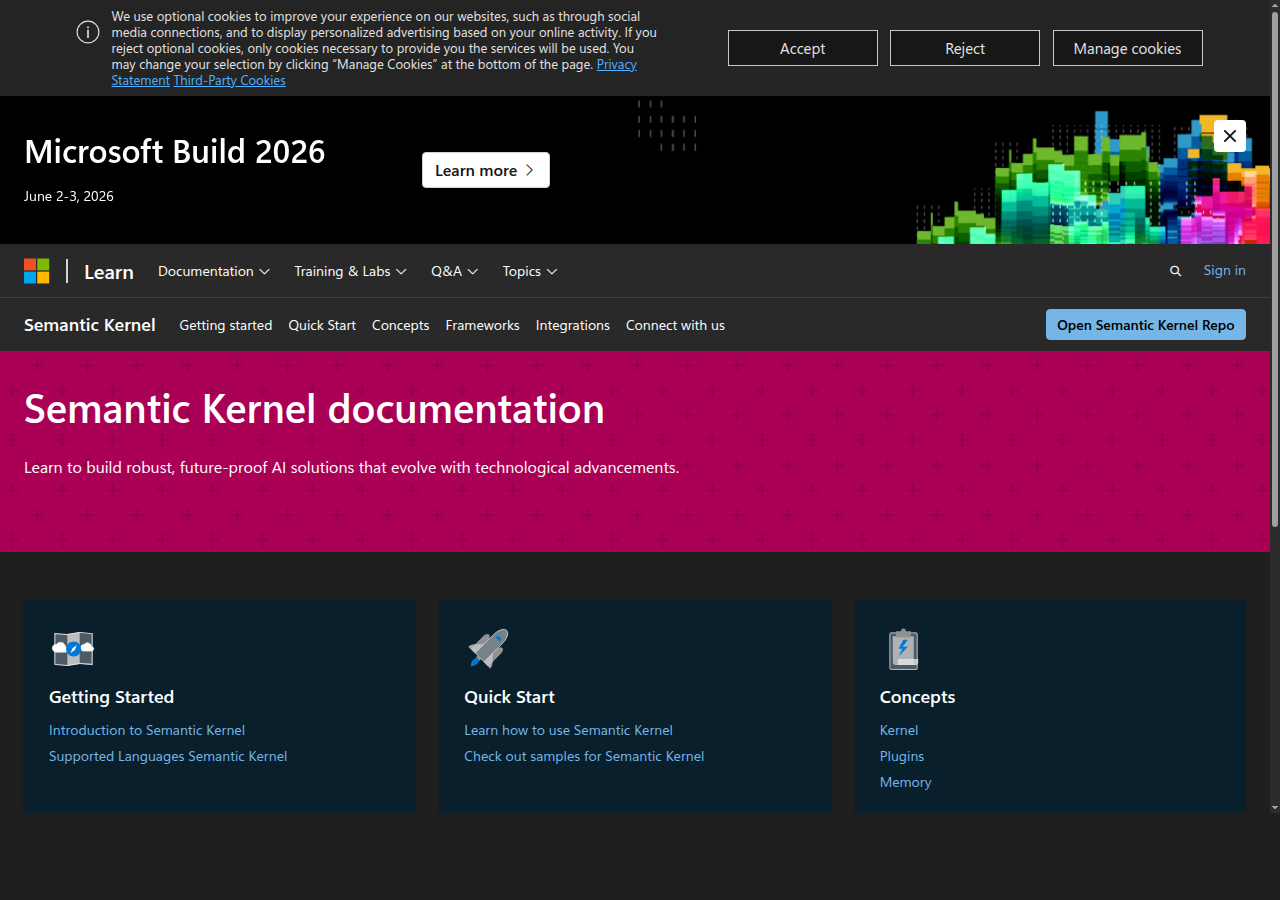
8. Semantic Kernel — Best for .NET and Enterprise Microsoft Shops
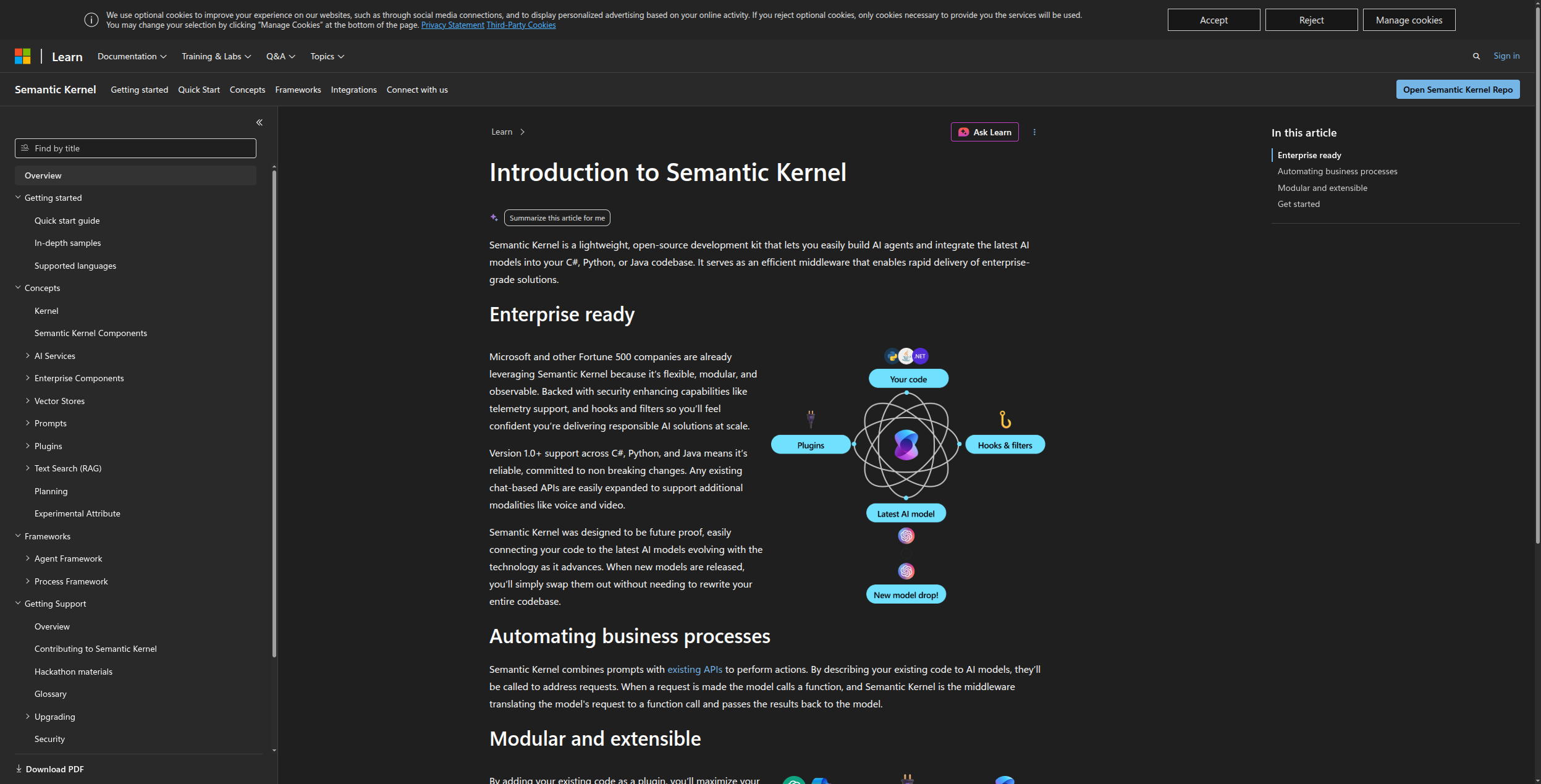
Semantic Kernel is Microsoft’s SDK for embedding LLMs into enterprise applications. Unlike Python-first frameworks, it supports .NET (C#), Python, and Java equally — making it the only serious option for enterprise teams whose production stack is .NET.
Semantic Kernel uses a “kernel” that acts as an AI orchestration layer, with “plugins” (equivalent to LangChain tools) that expose functions to the LLM. Its planner components (sequential, stepwise, handlebars) handle multi-step reasoning automatically. Deep integration with Azure OpenAI, Azure AI Search, and Microsoft 365 makes it the natural choice for teams already in the Microsoft cloud.
Pricing: Semantic Kernel is free and open-source under the MIT license — there are no fees for the SDK itself. Costs come from the underlying model providers (Azure OpenAI, OpenAI API) and Azure services (Azure AI Search, Azure Cosmos DB for memory) used within your Semantic Kernel application, billed at standard Azure rates.
Key features:
Multi-language SDK: C# (.NET), Python, and Java with feature parity
Plugin system for exposing functions, APIs, and services to the LLM
Process Framework for stateful, multi-step agent workflows
Multiple memory connectors: Azure AI Search, Pinecone, Chroma, Redis, in-memory
Native integration with Azure OpenAI Service, Microsoft 365, and Copilot Stack
Handlebars and stepwise planners for automatic multi-step reasoning
Pros: Multi-language SDK (.NET/Python/Java), deep Azure integration, enterprise-grade memory and planning, Microsoft support Cons: More verbose than Python-native frameworks, Azure-centric (less useful outside Microsoft ecosystem), smaller community than LangChain/LlamaIndex
Best for: Enterprise .NET development teams, Azure-first organizations, and teams building Copilot-style assistants on top of Microsoft infrastructure.
Ready to grow your business?
Start your free trial today and see results within days.
Choose FlowHunt if your goal is shipping production AI agents fast without framework maintenance overhead — especially if your team includes non-developers.
Choose LlamaIndex if you need the best possible RAG quality and data retrieval performance, and your team is comfortable with Python.
Choose Dify or Flowise if you want self-hosting and data sovereignty, and prefer a visual interface over Python code.
Choose CrewAI if your use case naturally maps to parallel agents with distinct roles (research, writing, QA, analysis).
Choose AutoGen if you need sophisticated human-in-the-loop patterns or conversational multi-agent debate for complex reasoning tasks.
Choose Haystack if you’re building production NLP systems and need the evaluation and reliability tooling that research-focused frameworks lack.
Choose Semantic Kernel if your team lives in .NET and Azure, or if you’re building Microsoft 365 integrations.
For developers who still want a Python framework but with cleaner code, LlamaIndex and Haystack are the top picks. LlamaIndex excels at RAG and document-heavy agents; Haystack is better for production NLP pipelines. If you want to skip framework code entirely, FlowHunt lets you build and deploy the same agents visually.
FlowHunt is the best no-code LangChain alternative. It replicates everything LangChain can do — tool calling, memory, RAG, multi-step reasoning, agent chains — through a visual drag-and-drop builder. Dify and Flowise are good open-source options if you need self-hosting.
LangChain has three main pain points: frequent breaking changes between versions, excessive abstraction layers that make debugging difficult, and significant boilerplate code for simple tasks. Many developers switch after their LangChain apps break following a version upgrade or after spending days tracing errors through nested abstractions.
LlamaIndex is generally better than LangChain for RAG-heavy applications and data-augmented agents. Its abstractions are cleaner, its document handling is superior, and its query engine is more flexible. LangChain still has a larger ecosystem of integrations, but LlamaIndex is catching up fast.
Yes. FlowHunt, Dify, and Flowise are all visual platforms that require no Python knowledge. They handle the underlying LLM orchestration, memory, and tool integration behind the scenes so that non-developers can build production-ready AI agents through a browser-based interface.
Arshia is an AI Workflow Engineer at FlowHunt. With a background in computer science and a passion for AI, he specializes in creating efficient workflows that integrate AI tools into everyday tasks, enhancing productivity and creativity.
Arshia Kahani
AI Workflow Engineer
Build AI Agents Without the Code Complexity — Try FlowHunt Free
FlowHunt gives you everything LangChain does — memory, tool use, multi-step reasoning, RAG — without the version chaos, configuration overhead, or 300-line boilerplate files.
Best AI Agent Frameworks in 2026: LangChain, CrewAI, AutoGen & More
Comparing the 8 best AI agent frameworks in 2026 — LangChain, CrewAI, AutoGen, LlamaIndex, Dify, Haystack, Semantic Kernel, and FlowHunt. Which is right for you...
LangChain is an open-source framework for developing applications powered by Large Language Models (LLMs), streamlining the integration of powerful LLMs like Op...
Best AI Agent Tools in 2026: 12 Platforms for Building and Running AI Agents
Ranked and reviewed: the 12 best AI agent tools in 2026. From no-code agent builders to open-source frameworks — find the right platform for your team's AI stra...
15 min read
AI Agents
AI Tools
+3
Cookie Consent We use cookies to enhance your browsing experience and analyze our traffic. See our privacy policy.