Best n8n Alternatives in 2026: 12 Tools Ranked for Developers and Teams
Ranked and reviewed: the 12 best n8n alternatives in 2026. From AI-native no-code platforms to open-source orchestration frameworks — find the right fit for your team.
Automation
AI Tools
Workflow Automation
Open Source
No-Code
n8n solved a real problem: it gave developers a self-hosted, code-extensible automation platform that Zapier and Make couldn’t match. But self-hosting has a cost — server management, upgrades, scaling, and debugging all fall on your team. And as AI workflows have become central to automation, n8n’s LLM support, while improving, wasn’t designed for the agent-first world.
This guide covers the 12 best n8n alternatives in 2026, from no-code cloud platforms to open-source orchestration frameworks, so you can find the right fit for your team’s technical capacity and use case.
What is n8n?
n8n is an open-source workflow automation platform that lets technical teams build integrations and automations by connecting nodes on a visual canvas. Launched in 2019 by Jan Oberhauser, it became popular as a self-hostable alternative to Zapier and Make — offering full data control, 400+ native integrations, and a code node for custom logic in JavaScript or Python. n8n is free to self-host under a fair-code license, with a managed cloud version starting at $20/month. Its primary audience is developers and technical teams who want automation flexibility without handing data to a third-party cloud.
Quick Comparison Table
Tool
Type
Self-Host
AI-Native
Best For
Free Tier
FlowHunt
Cloud, no-code
❌
✅
AI workflows, marketing & support teams
✅
Activepieces
Open-source
✅
Partial
Closest n8n replacement, simpler setup
✅
Windmill
Open-source
✅
❌
Internal tools, scripts, developer automation
✅
Pipedream
Cloud / OSS
✅
Partial
Developers, code + connectors
✅
Make
Cloud
❌
Partial
Visual workflows, managed infrastructure
✅
Zapier
Cloud
❌
Partial
Widest app catalog, easiest setup
✅
Automatisch
Open-source
✅
❌
Simplest self-hosted option
✅
Flowise
Open-source
✅
✅
LLM-based AI agent workflows
✅
Prefect
Cloud / OSS
✅
❌
Python data pipeline orchestration
✅
Temporal
Cloud / OSS
✅
❌
Durable long-running workflows in code
✅
Relay.app
Cloud
❌
❌
Human-in-the-loop approvals
✅
Workato
Cloud
❌
Partial
Enterprise iPaaS, ERP/CRM integration
❌
Ready to grow your business?
Start your free trial today and see results within days.
Before choosing an alternative, it helps to identify exactly what’s not working:
DevOps overhead — self-hosting n8n means managing Docker containers, database backups, version upgrades, and scaling. This is significant maintenance for small teams.
AI workflow limitations — n8n added LLM nodes, but the platform wasn’t designed around agents and reasoning. Complex AI workflows require workarounds.
Debugging complexity — tracing failures in long multi-step workflows is harder in n8n than in dedicated platforms with structured observability.
Cloud pricing — n8n’s managed cloud competes on price with Make and Pipedream, which offer more polished experiences at similar cost.
Learning curve — n8n is more technical than Zapier or Make. Teams without developers often struggle with expressions, data mapping, and the node model.
1. FlowHunt — Best n8n Alternative for AI-Native Automation
FlowHunt is the answer to the question n8n can’t fully address: what if your workflows need to reason, not just execute? Where n8n excels at structured data flows between APIs, FlowHunt adds an AI agent layer that can process natural language, make decisions, and adapt to inputs that don’t fit a template.
No server management, no Docker containers, no upgrade maintenance. The visual flow canvas connects AI models, tools, and integrations into deployable automations — from a simple two-step trigger to a multi-agent pipeline that handles customer support end-to-end.
What makes it better than n8n for most teams:
Zero infrastructure — cloud-hosted, managed, scaled automatically
AI-first — agents can reason, use tools, process unstructured data, and adapt mid-workflow
1,400+ native integrations — comparable depth to n8n’s community nodes, without DIY maintenance
Multi-agent orchestration — chain specialist agents with shared memory and handoffs
Full observability — every run logged with inputs, outputs, latency, and token cost
Pricing: Free tier with generous execution credits. Usage-based paid plans. Full details at /pricing/
.
Pros:
No DevOps burden — zero infrastructure to manage
Strongest AI workflow capability of any tool on this list
No-code accessible to marketing and support teams, not just developers
Cons:
No self-hosting option (data stays in FlowHunt’s cloud)
Not ideal for pure data pipeline orchestration (Prefect or Temporal serve that better)
Best for: Business teams — marketing, support, sales ops — that need AI-powered automation without managing servers, containers, or infrastructure upgrades.
Pro Tip: If you’re migrating from n8n and have Python developers, use FlowHunt’s API to trigger flows from your existing code. You get n8n’s integration breadth with AI reasoning on top — without rebuilding your entire stack.
2. Activepieces — Best Open-Source n8n Alternative
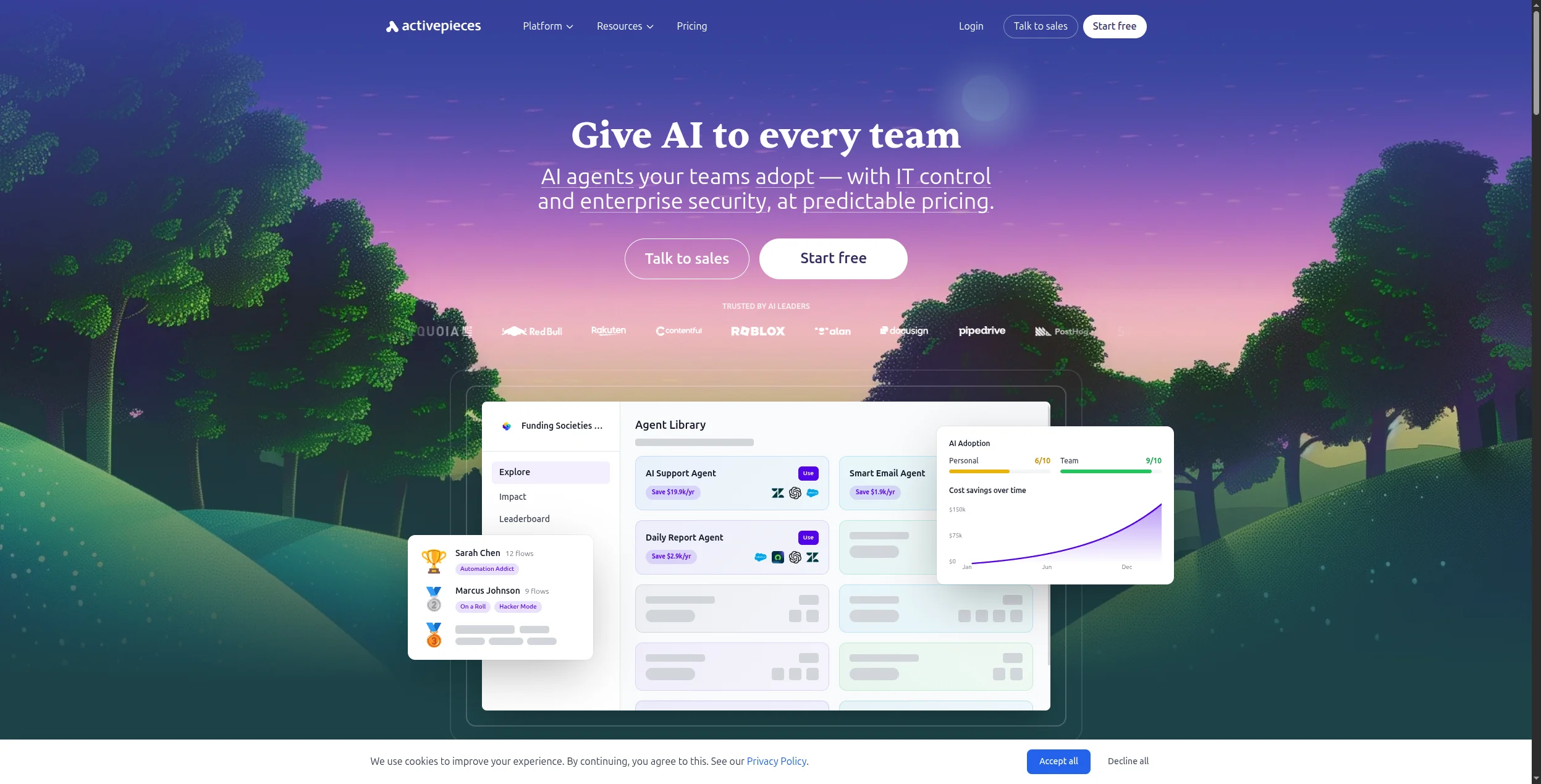
Activepieces is the most direct open-source replacement for n8n. The interface is cleaner and simpler — closer to Zapier’s linear step model than n8n’s node canvas — which makes it accessible to less technical team members without sacrificing self-hosting control. Self-deployment via Docker is well-documented, and the cloud version has a free tier.
Pricing:
Free (Cloud) — $0/month. 1,000 tasks/month, 5 flows, community support
Self-hosted (Community) — Free forever. No task limits, full control, Docker deployment
Key features:
Visual drag-and-drop flow builder with Zapier-like step interface
500+ community-built pieces (integrations) with active weekly additions
Self-hosting via Docker Compose with well-maintained documentation
Branching logic, loops, and conditional steps without code
AI pieces for OpenAI, Anthropic, and other LLM providers
TypeScript custom code steps for advanced logic
Webhook triggers, scheduled flows, and app event triggers
Pros:
Open-source with clean self-hosting via Docker
Simpler interface than n8n — easier for non-developers
Growing community adding new integrations rapidly (500+)
Transparent roadmap and active GitHub
Cons:
Integration catalog smaller than n8n’s 400+ community nodes
AI workflow support is early-stage
Enterprise features (SSO, RBAC) on paid tier only
Best for: Teams moving away from n8n’s complexity who still need self-hosting — particularly those without a dedicated DevOps engineer who found n8n’s expressions and node model too steep.
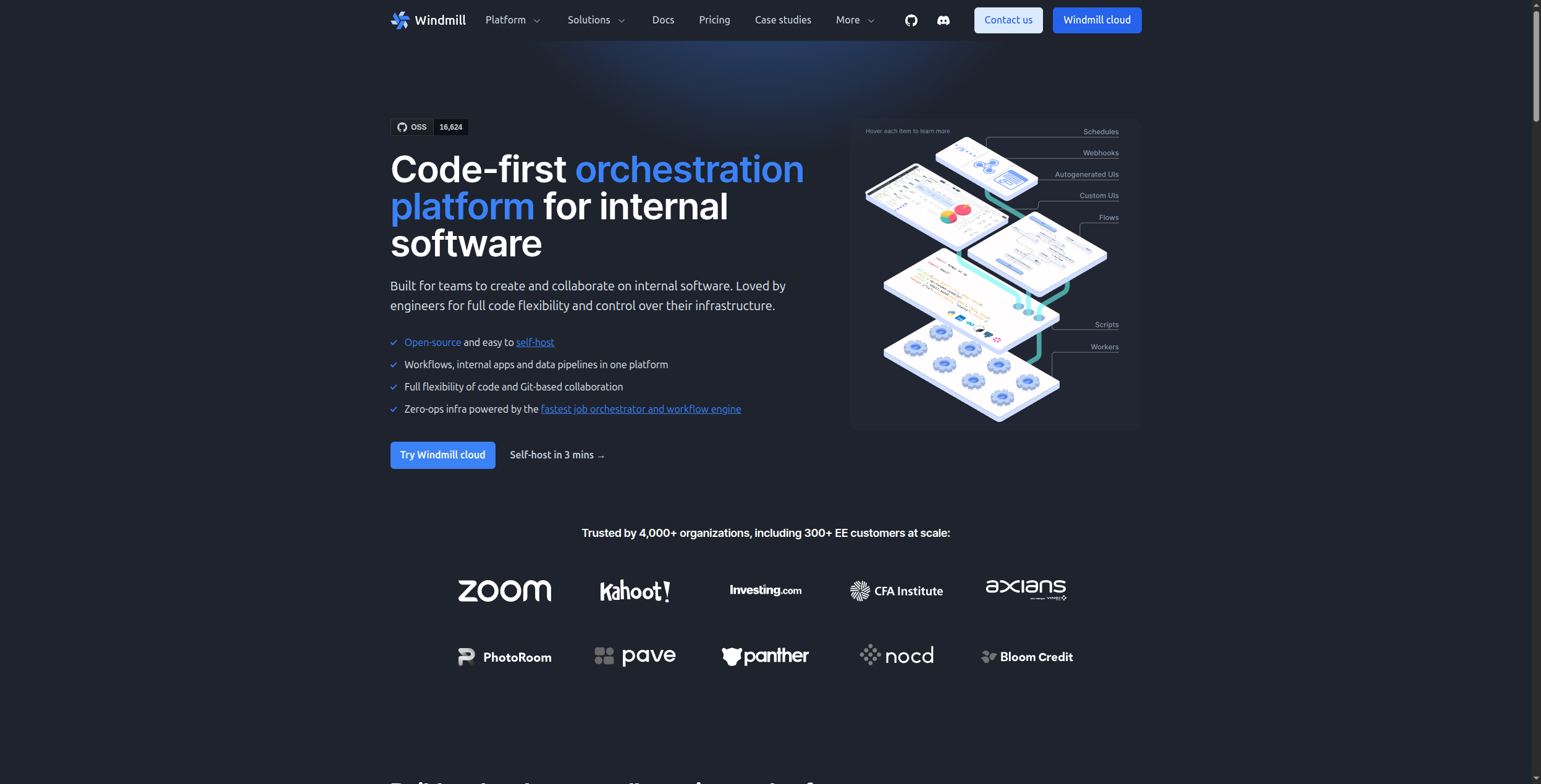
3. Windmill — Best for Developer Internal Tools
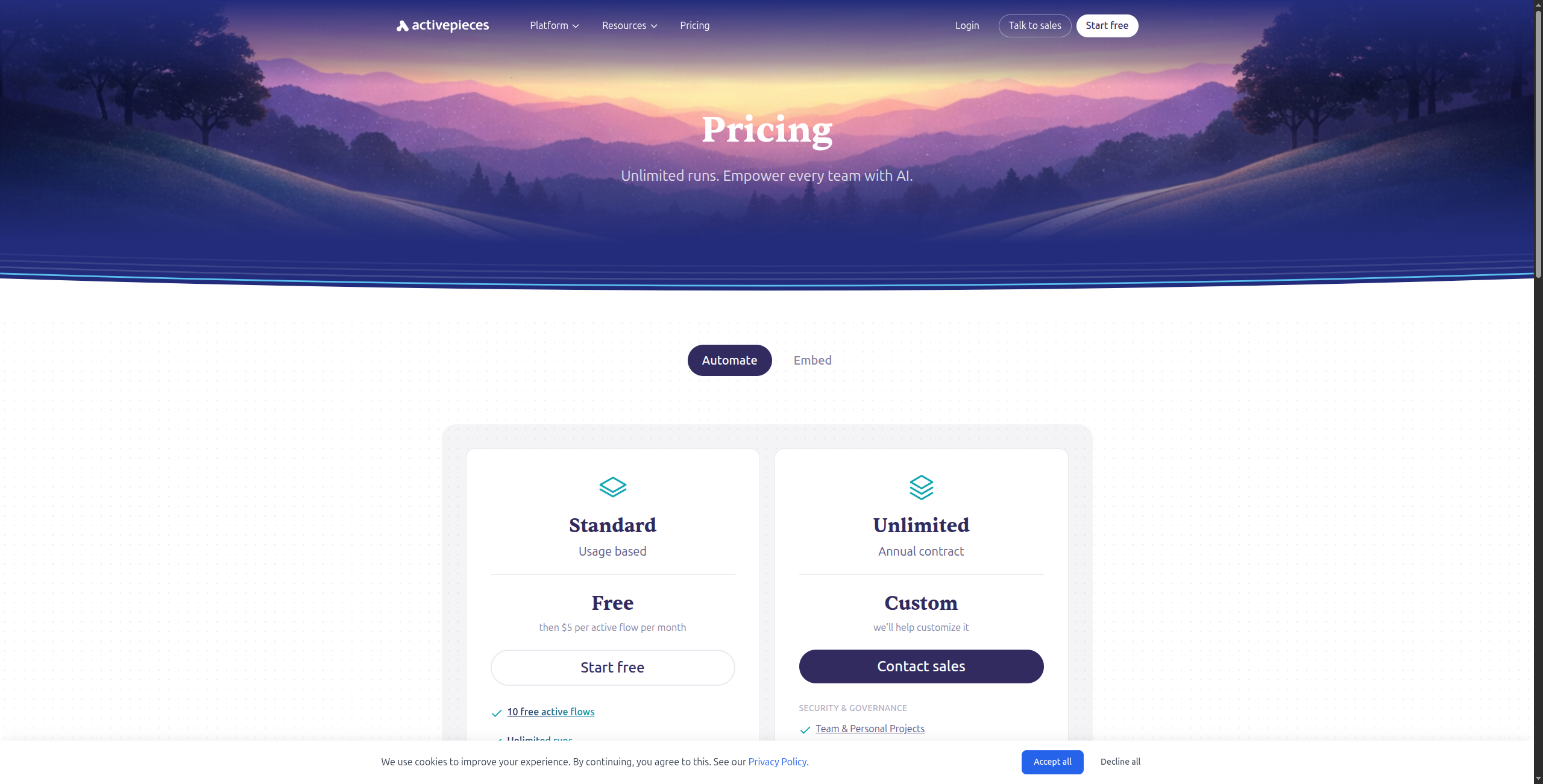
Windmill is a different category from n8n: it’s an open-source developer platform for building internal tools, scripts, scheduled jobs, and workflows — all from a browser-based IDE. Write scripts in Python, TypeScript, Go, or Bash; wire them together into flows; deploy them with one click. It’s what n8n would look like if it were built for developers who want to write code, not configure nodes.
Pricing:
Free (Cloud) — $0/month. 1,000 executions/month, 1 developer, community integrations
Team — $100/month (up to 10 operators). Unlimited executions for basic scripts, 10,000 premium execution units/month, audit logs
Job scheduling with cron syntax and event-based triggers
Resource variables for secure credential management
Open-source self-hosting via Docker or Kubernetes
Pros:
Full code editor in the browser — write real scripts, not just expressions
Excellent for internal tools, admin dashboards, and batch jobs
Open-source and self-hostable
Strong permissions model for team use
Cons:
Not a no-code tool — requires developer skills throughout
No pre-built connectors for most SaaS apps (you write the API calls)
Less suited for trigger-based event automation
Best for: Developer teams building internal tools, admin panels, and batch jobs that need a browser-based IDE with multi-language support and granular access controls.
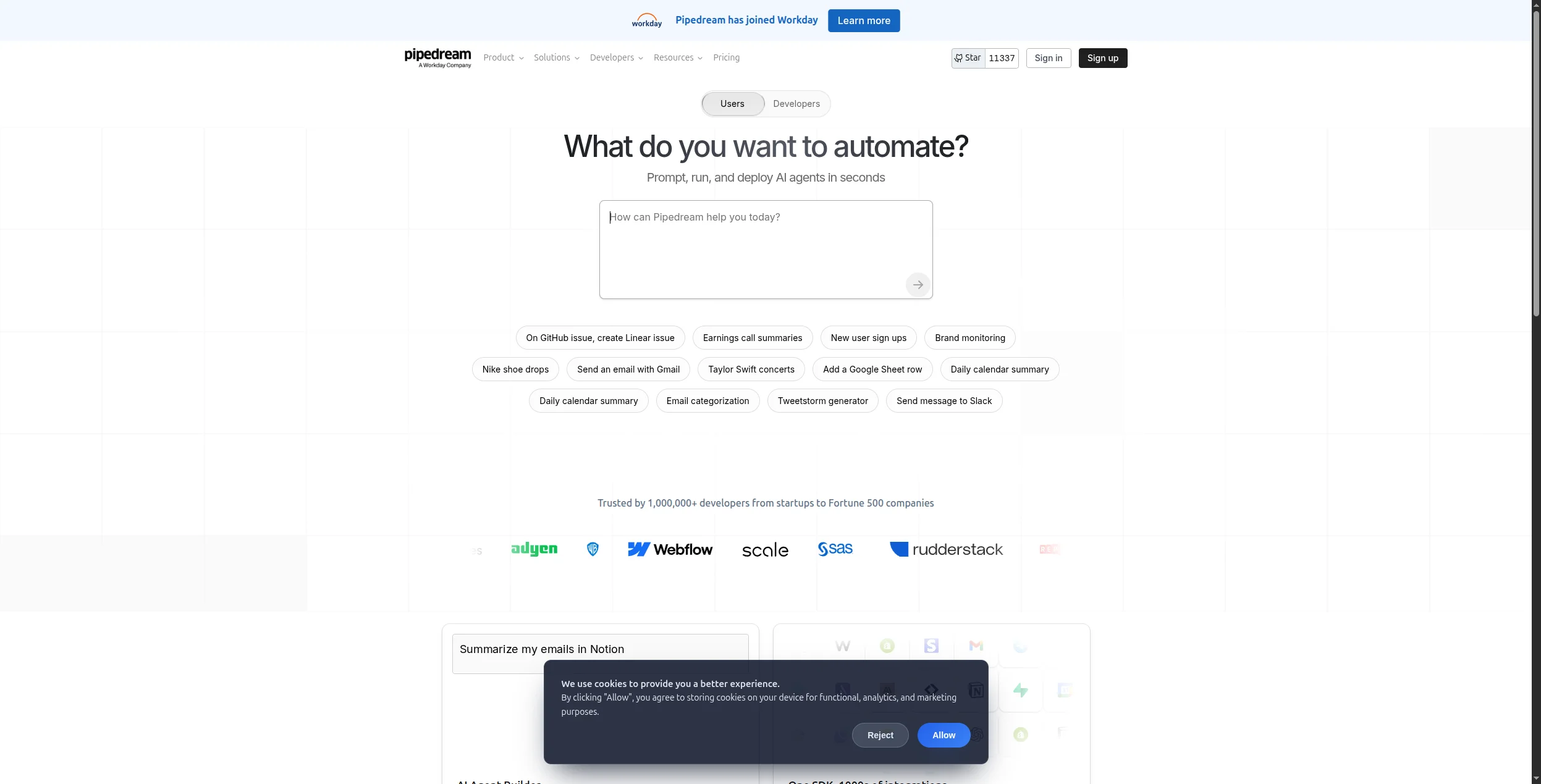
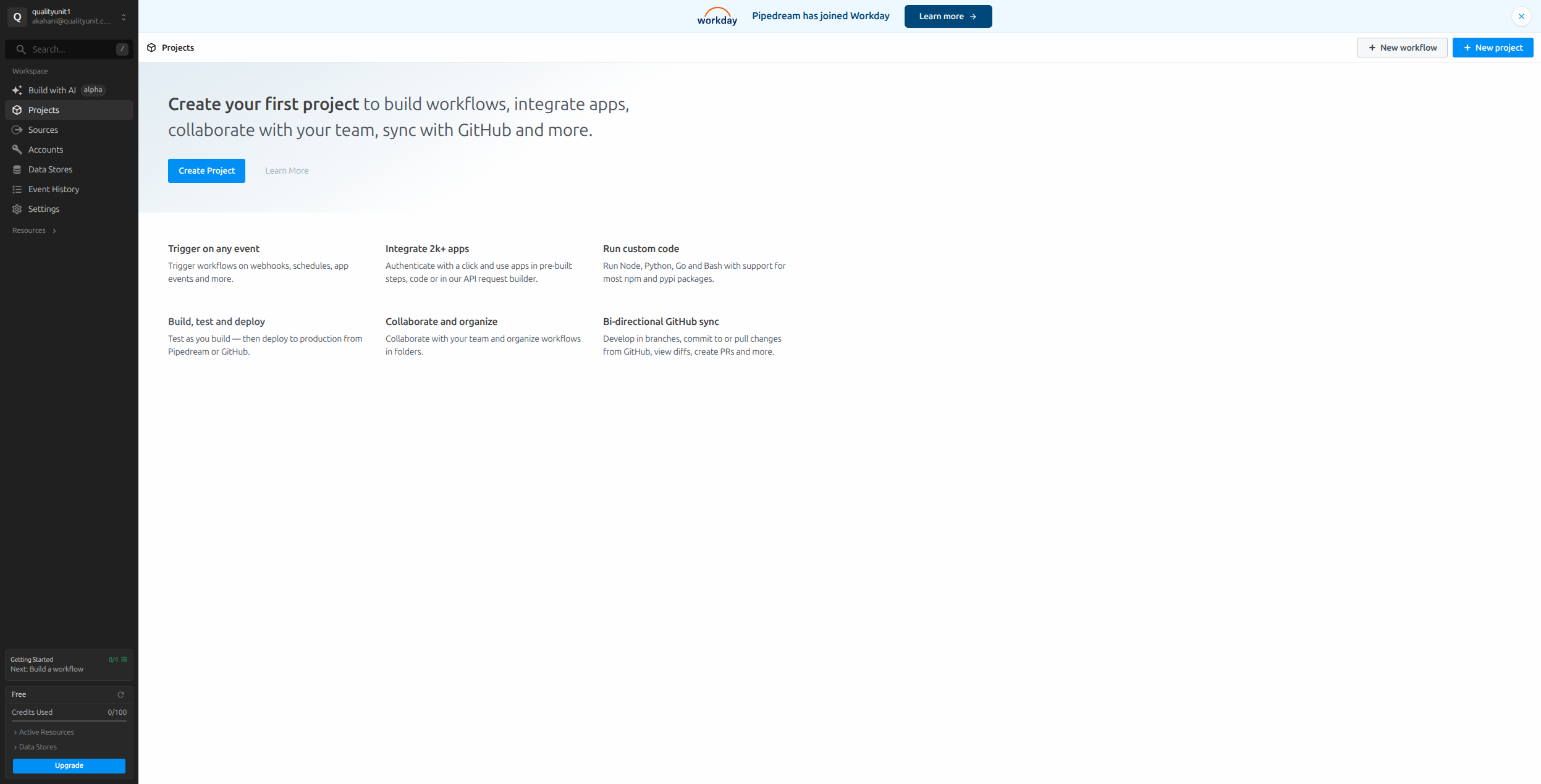
4. Pipedream — Best Serverless Code + Automation Hybrid
Pipedream sits between n8n and a pure automation platform: it provides 1,000+ pre-built integration triggers and actions, but lets you drop into custom Node.js, Python, or Go code at any step. Everything runs serverlessly — no containers to manage. For developers who want the breadth of pre-built connectors with the flexibility to write logic where no connector exists, Pipedream is hard to beat.
Pricing:
Free — $0/month. 10,000 credits/month (~333 workflow invocations at 30 credits each), 3 active workflows
Observability for complex multi-step workflows is basic
Best for: Developers who want serverless execution with the flexibility to write custom code at any step, alongside 1,000+ pre-built SaaS connectors.
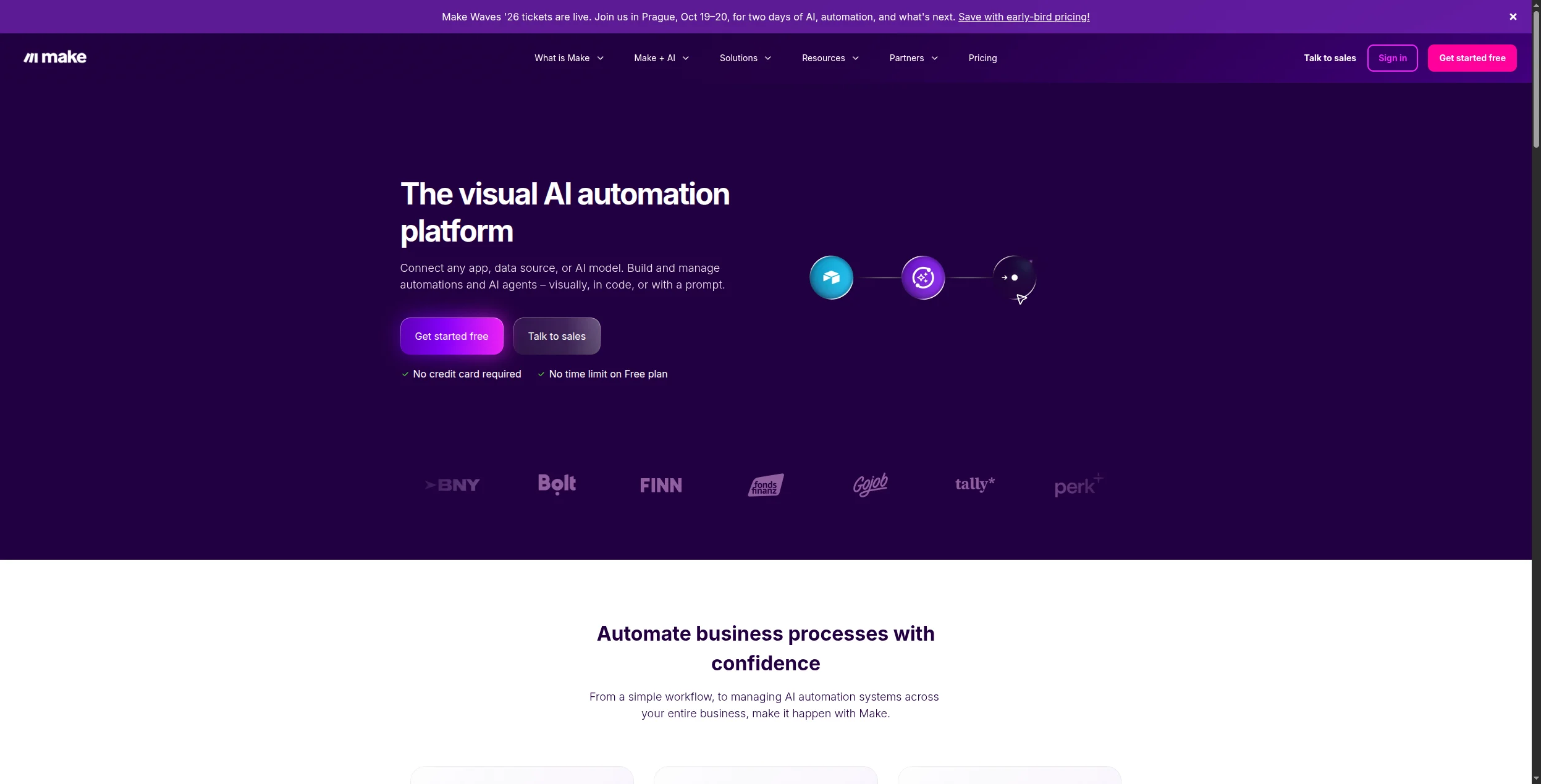
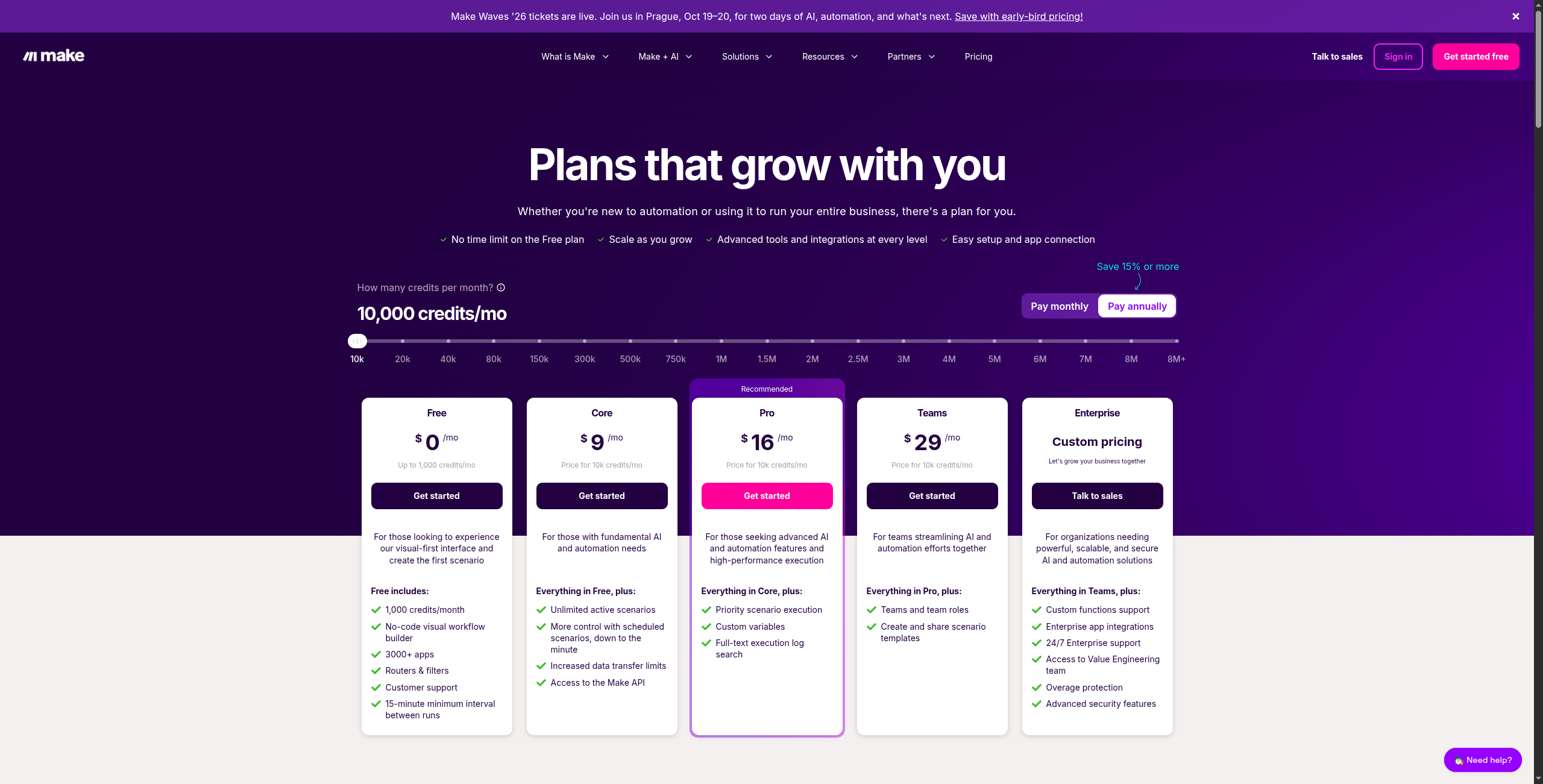
5. Make — Best Cloud Alternative for Visual Workflows
Make (formerly Integromat) is the most polished cloud alternative for teams leaving n8n’s self-hosted model. Its canvas-based editor shows the full workflow as a visual graph — better than n8n for readability, especially for non-developers. With 1,800+ integrations and scenario-based pricing, it’s often cheaper than n8n Cloud at equivalent volume.
Operations included in base price; additional operations purchased separately ($9 per 10,000).
Key features:
Visual canvas workflow builder with drag-and-drop modules and visual data flow
1,800+ app integrations including all major SaaS platforms
Advanced data transformation with built-in functions (text, date, math, array manipulation)
Iterator and aggregator modules for processing lists and arrays
Error handling with custom catch routes and auto-resume
Webhooks, scheduling, and app-based triggers
Real-time execution monitoring with full input/output inspection per module
Pros:
Visual canvas makes complex workflows legible to non-developers
Better data transformation tools than Zapier
Cheaper than n8n Cloud at most usage levels
1,800+ integrations
Cons:
No self-hosting option
AI capabilities are modules, not native agents
Large workflows with many branches can get visually cluttered
Best for: Teams leaving n8n’s self-hosted model who want a polished managed cloud experience with better data transformation tools and comparable pricing.
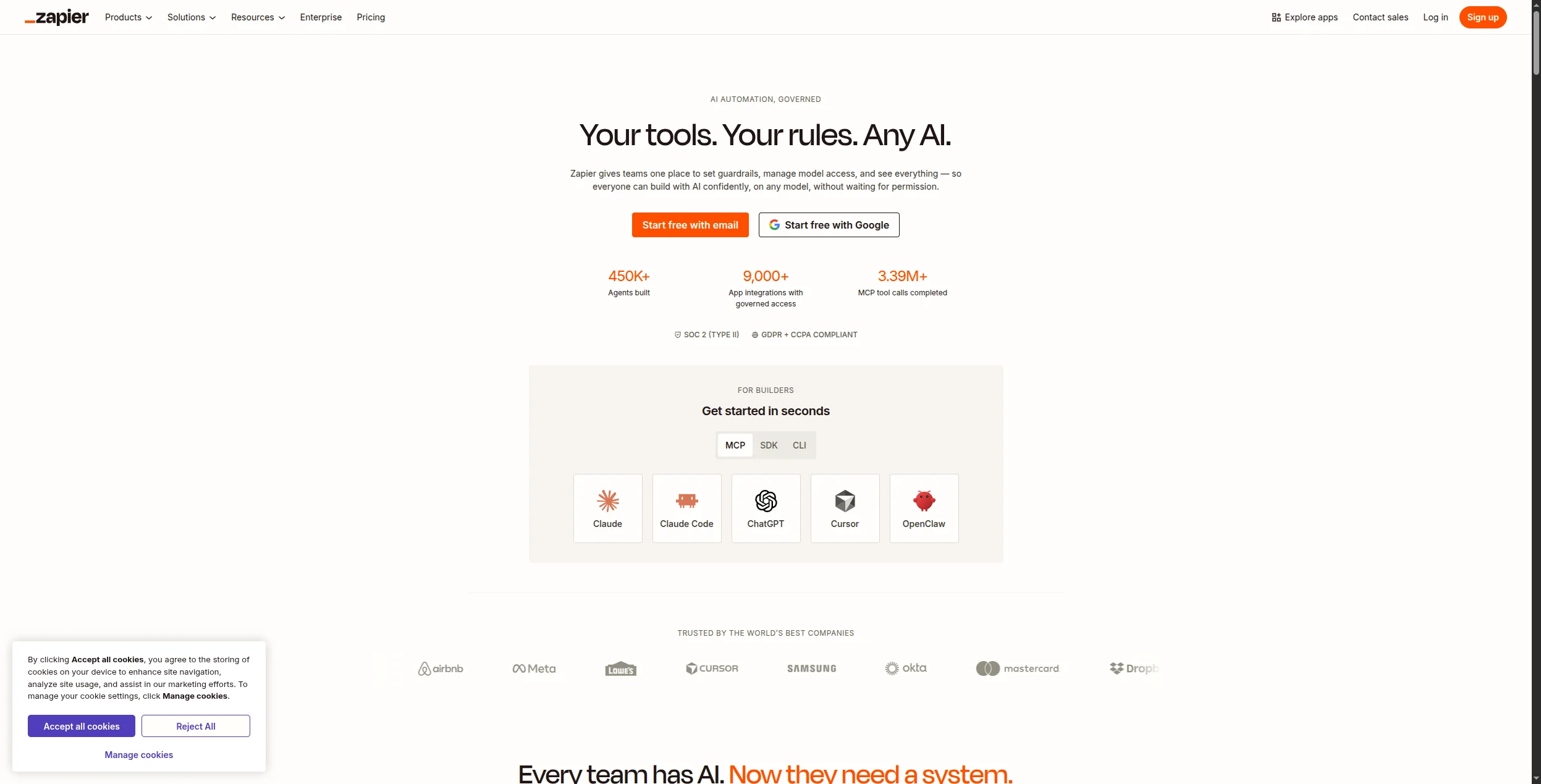
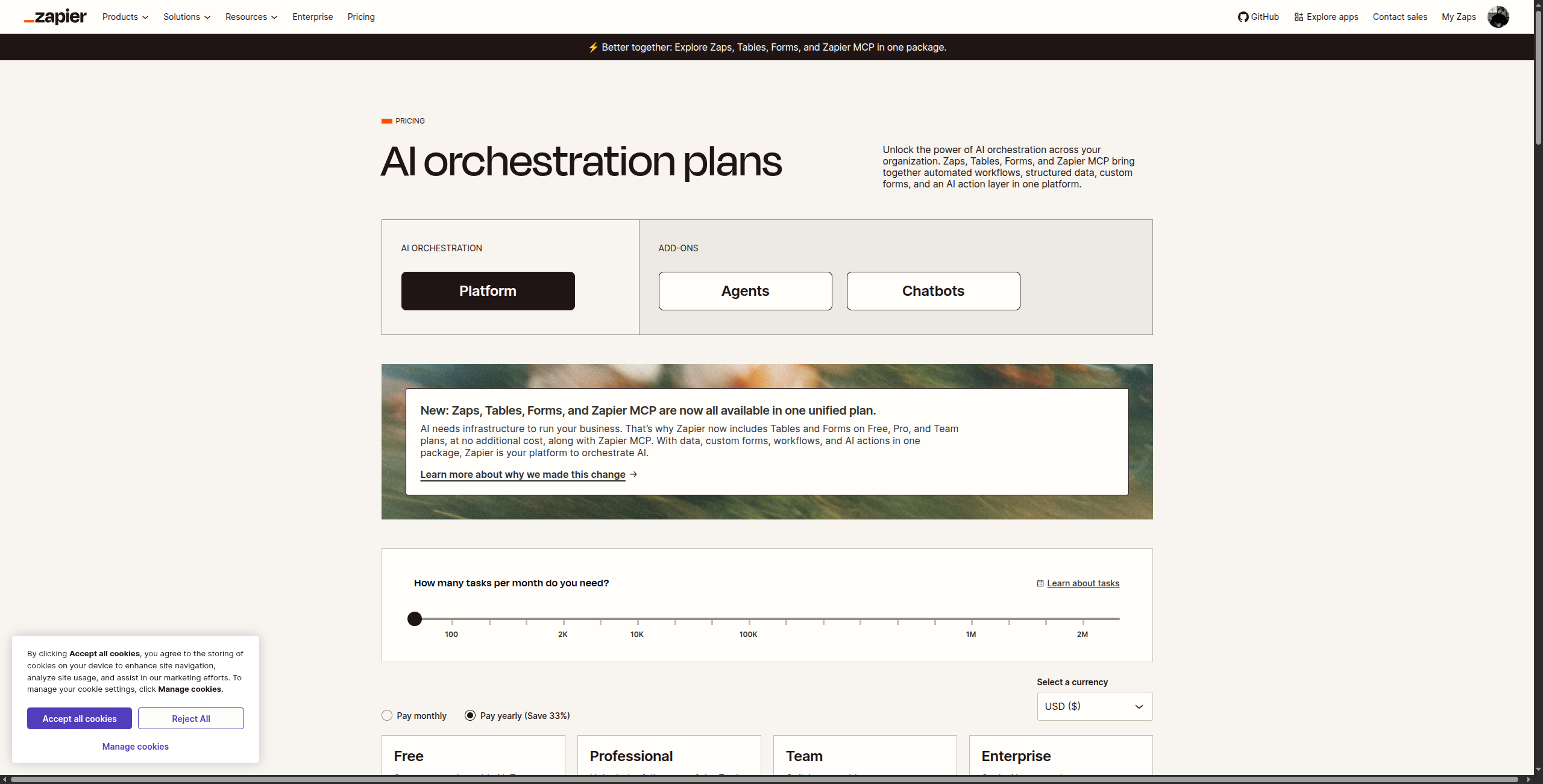
6. Zapier — Best for Maximum Integration Breadth
Zapier’s 6,000+ app integrations make it the default choice when your primary concern is coverage — especially for niche or industry-specific SaaS tools that n8n’s community hasn’t built a node for yet. The trade-off is cost (task-based pricing escalates quickly) and limited capability for complex multi-step logic.
Pricing:
Free — $0/month. 100 tasks/month, 5 Zaps, single-step Zaps only
Team — $69/month. 2,000 tasks/month, shared workspaces, team collaboration, unlimited users
Enterprise — Custom. Advanced admin controls, SAML SSO, custom data retention, dedicated support
Additional tasks available as add-ons at all paid tiers.
Key features:
6,000+ app integrations — the widest catalog of any automation platform
Zapier AI (Zaps built from natural language descriptions)
Paths for conditional branching within Zaps
Filters to run Zap steps only when conditions are met
Formatter for data transformation (text, dates, numbers, lookups)
Zapier Tables for lightweight data storage
Zapier Interfaces for simple form-based frontends
Pros:
Largest integration catalog available (6,000+ apps)
Lowest barrier to entry — non-technical users can self-serve
Reliable execution with good error notifications
Cons:
Task-based pricing becomes expensive at volume
Complex branching and loops are difficult
AI features are early-stage and limited
Best for: Non-technical teams that need the widest possible app coverage and want the fastest onboarding — and whose workflows are simple enough that Zapier’s pricing stays manageable.
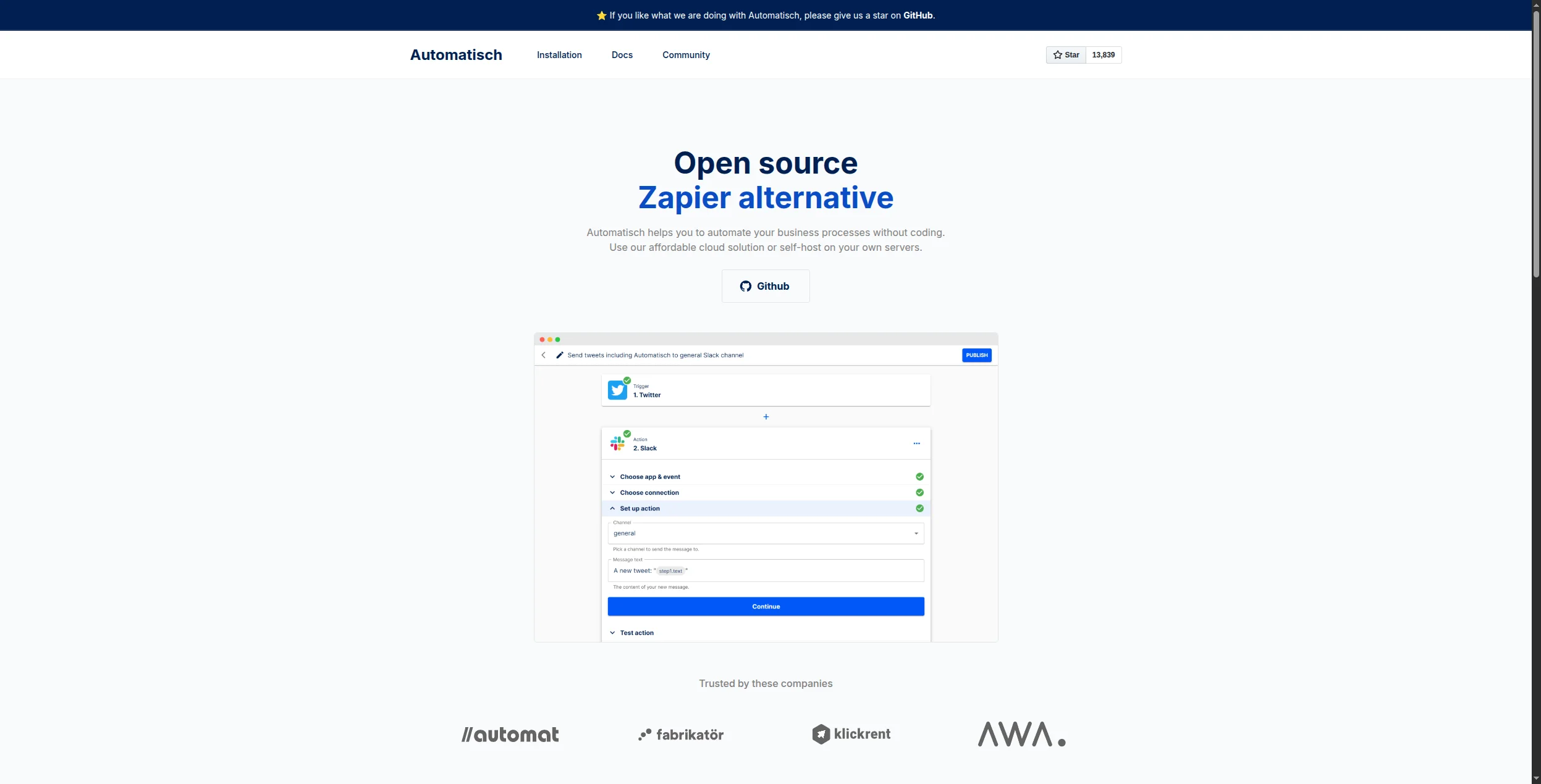
7. Automatisch — Best Minimal Open-Source Alternative
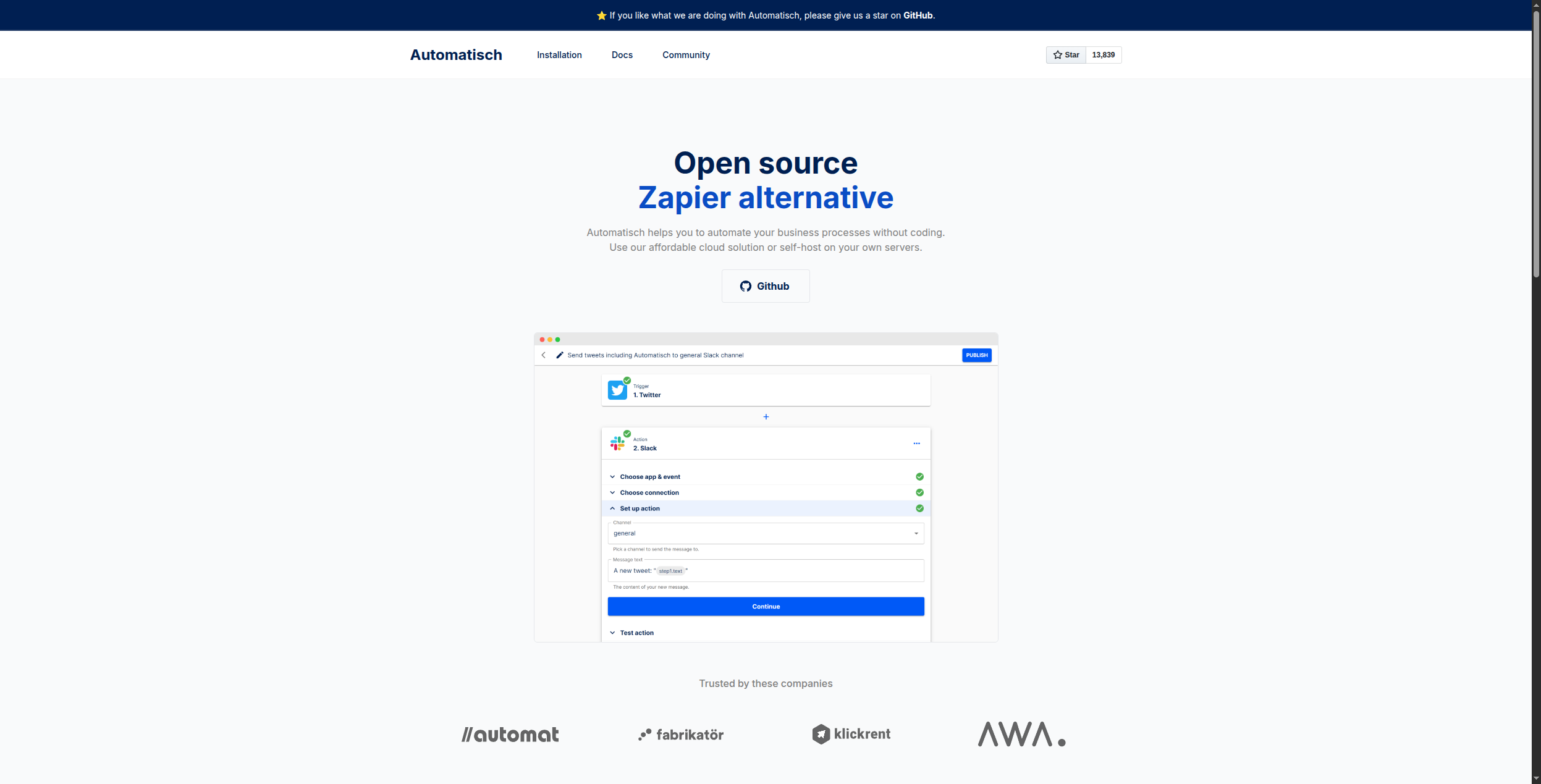
Automatisch is the simplest self-hosted automation option available — deliberately minimal, easy to deploy, and focused on the most common integration patterns. If n8n felt over-engineered for your needs, Automatisch is worth evaluating. It’s essentially an open-source Zapier with a very lightweight footprint.
Pricing:
Self-hosted (Community) — Free forever (MIT license). Full access to all features, unlimited flows, no task limits
Cloud — Currently in development; check automatisch.io for the latest cloud pricing tier announcements
Key features:
Trigger-action workflow builder with a clean, minimal UI
100+ integrations covering major apps (Slack, GitHub, Stripe, Notion, Google Sheets, and more)
Single Docker Compose file deployment — one of the simplest self-hosting setups available
MIT-licensed source code — fork and customize freely
Webhook and schedule-based triggers
No external dependencies required beyond Docker
Built-in credential management for OAuth and API key apps
Pros:
Extremely simple to self-host (single Docker Compose file)
MIT-licensed and fully open-source
Low maintenance overhead compared to n8n
Cons:
Integration catalog is much smaller than n8n (100+)
No AI capabilities
Less active community than n8n or Activepieces
Best for: Small teams that found n8n over-engineered and just need basic trigger-action automations self-hosted with minimal maintenance and a single Docker Compose file.
8. Flowise — Best Open-Source Alternative for AI Workflows
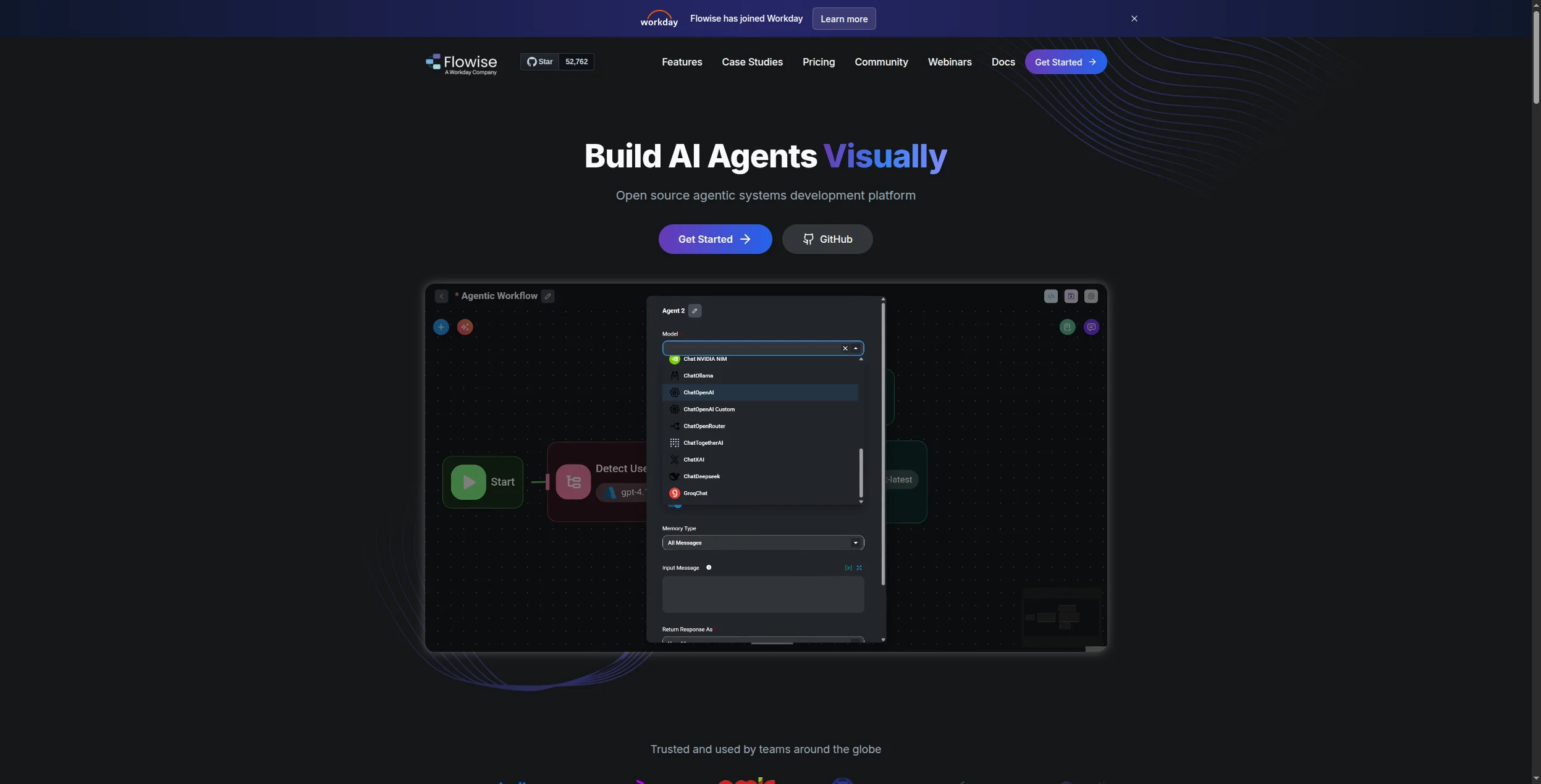
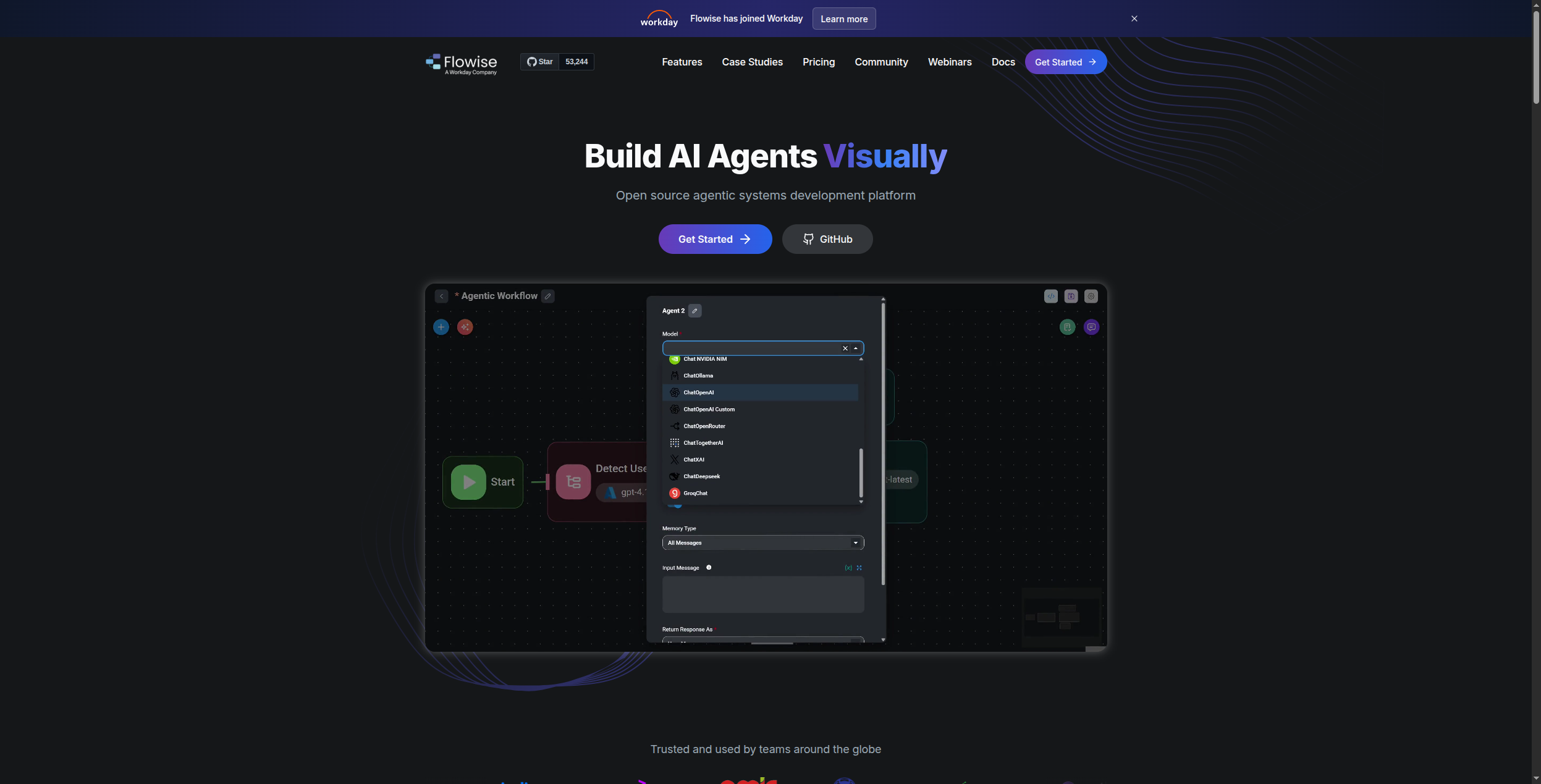
Flowise is the open-source answer to LLM-powered automation. Built on LangChain, it provides a drag-and-drop canvas for building AI agent flows: RAG pipelines, tool-calling agents, chatbots, and multi-step reasoning chains. If your reason for leaving n8n is its AI limitations, Flowise gives you far more LLM workflow capability — and you can self-host it.
Pricing:
Self-hosted (Open Source) — Free forever (Apache 2.0). Full access to all LLM nodes, vector stores, agent chains, no limits
Built-in document loaders for PDF, CSV, web scraping, Notion, Confluence, and more
Chatbot embed widget for deploying agents on any website
REST API and streaming responses for integration into existing applications
Pros:
Purpose-built for LLM and AI agent workflows
Drag-and-drop canvas over LangChain’s power
Fully self-hostable (Docker)
Active community adding new AI integrations
Cons:
Focused on AI workflows — not a general-purpose automation tool
Limited integration catalog for non-AI tools
Enterprise features require additional configuration
Best for: Developers and ML engineers who need a self-hostable open-source tool specifically for LLM agent workflows, RAG pipelines, and AI chatbots — with a visual drag-and-drop interface over LangChain.
9. Prefect — Best for Python Data Pipeline Orchestration
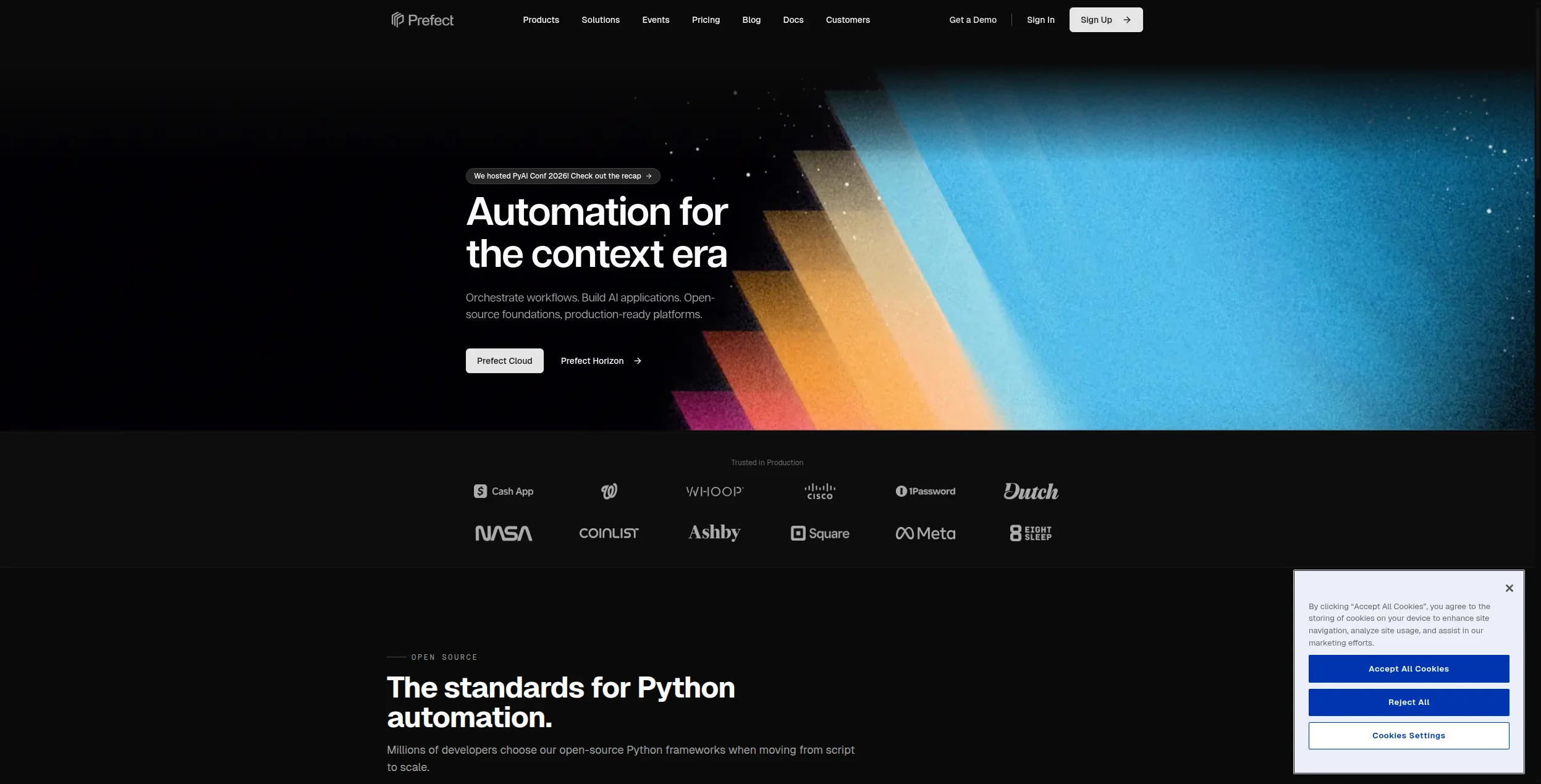
Prefect is a workflow orchestration platform for data engineers. If your n8n workflows are primarily ETL pipelines, data transformations, or scheduled Python jobs — Prefect is a significantly more capable replacement. It handles scheduling, retries, failure recovery, caching, and observability natively, with a Pythonic API that feels natural to data teams.
Pricing:
Free (Prefect Cloud) — $0/month. 3 users, 1 workspace, unlimited flow runs, 30-day log retention, community support
Pro — $500/month. 15 users, 5 workspaces, 90-day log retention, SSO, priority email support
Handles retries, caching, and failure recovery elegantly
Cloud and self-hosted options available
Cons:
Python-only — not accessible to non-developers
No pre-built SaaS app connectors
Not suitable for event-driven automation between apps
Best for: Data engineers replacing n8n for ETL, data transformation, and scheduled Python pipeline jobs — who need retries, caching, and run observability built into the orchestration layer.
10. Temporal — Best for Durable Long-Running Workflows
Temporal is in a class of its own: it’s a durable workflow execution platform that guarantees your code runs to completion even through server failures, network outages, and process restarts. If you’re building workflows that run for hours, days, or involve complex compensation logic (like distributed transactions), Temporal does what n8n fundamentally cannot.
Pricing:
Free (Self-hosted) — $0. MIT-licensed open-source server; no limits, full feature set, you manage infrastructure
Temporal Cloud (Pay-as-you-go) — Billed by action ($25 per million actions) and active workflow storage ($0.00042/GB-hour). No minimums; free $1,000 credit for new accounts
Durable workflow execution — workflows survive server restarts, network failures, and process crashes
Supports Go, Java, Python, TypeScript, PHP, and .NET SDKs
Activity retries with configurable backoff, timeout, and heartbeat policies
Long-running workflow support (minutes to months/years)
Signal and query APIs for external communication with running workflows
Temporal Web UI for workflow visibility, history replay, and debugging
Namespace-based multi-tenancy with per-namespace task queue isolation
Pros:
Unmatched reliability for long-running, failure-tolerant workflows
Supports multiple languages (Go, Java, Python, TypeScript)
Temporal Cloud removes infrastructure complexity
Strong community and enterprise adoption
Cons:
Steep learning curve — requires understanding Temporal’s programming model
Not suitable for non-developers
Overkill for simple trigger-action automation
Best for: Engineering teams building microservices, payment processing, or any long-running workflows that must survive infrastructure failures and complete reliably — regardless of how long they take.
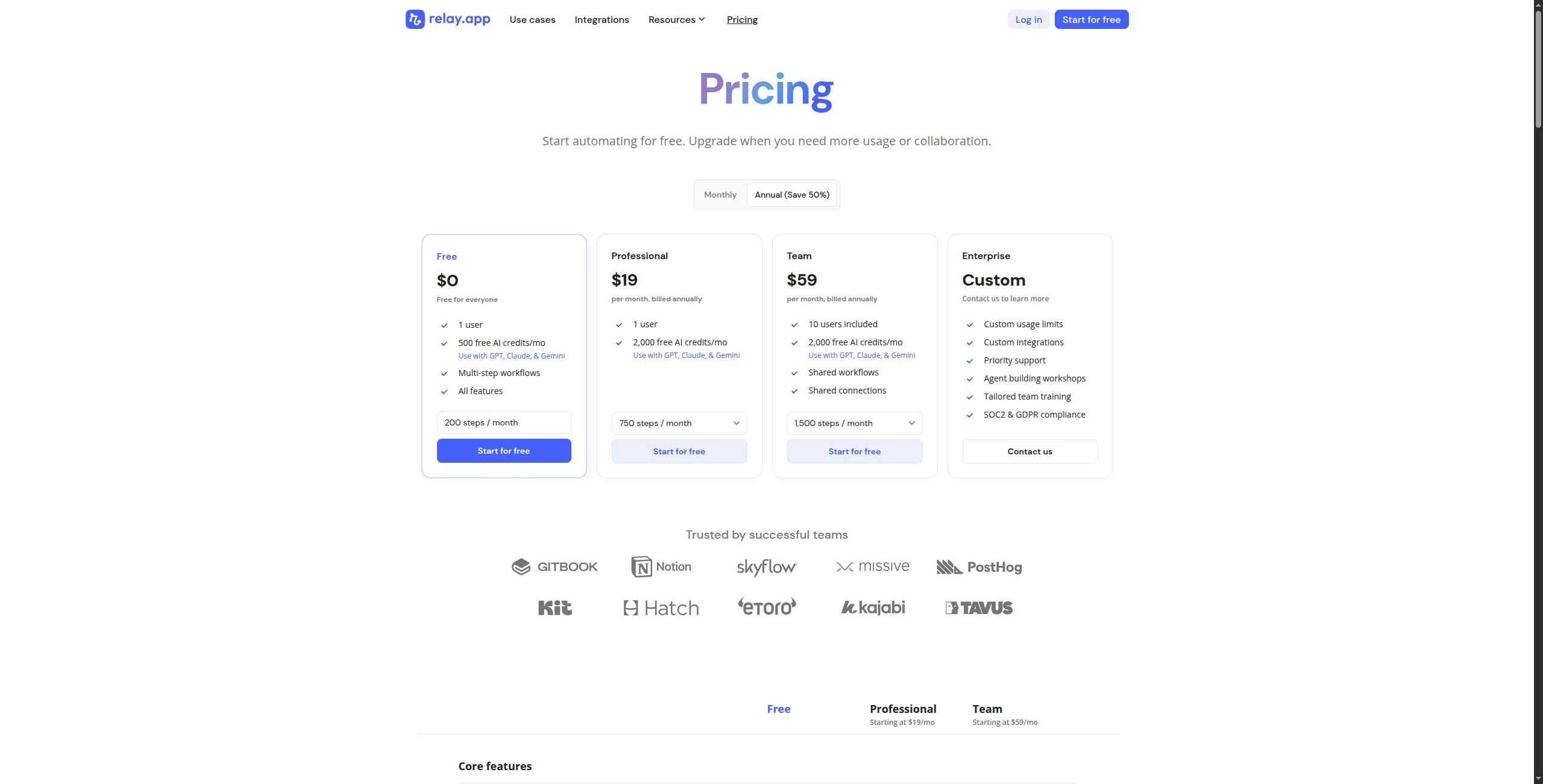
11. Relay.app — Best Cloud Option for Human-Gated Workflows
Relay.app is for teams that need automation with manual checkpoints — where a human must approve, review, or make a decision before the workflow continues. It’s a thoughtful cloud alternative for use cases where n8n’s “run everything automatically” model isn’t appropriate.
Pricing:
Free — $0/month. 500 run credits/month, 1 user, unlimited playbooks, community support
Starter — $9/user/month (billed annually). 2,500 run credits/month per user, all integrations, approval steps
Team — $25/user/month. 10,000 run credits/month per user, team workspaces, shared automations, priority support
Human-in-the-loop approval steps natively built into workflow design — not bolted on
“Ask a person” step to route decisions to specific team members or groups
300+ integrations covering CRM, project management, communication, and productivity tools
AI-powered data transformation steps using GPT-4 and Claude
Playbook versioning with rollback capability
Conditional branching based on human decisions or automated conditions
Collaboration features: multi-user editing, commenting on automation steps
Pros:
Best human-in-the-loop workflow design in the market
No infrastructure to manage
Clean interface accessible to non-technical teams
Cons:
Integration catalog (300+) is much smaller than n8n
Not suitable for high-volume, fully automated pipelines
AI capabilities are limited
Best for: Operations teams whose workflows require human approvals, manager sign-offs, or collaborative decisions at defined checkpoints — where fully automated execution isn’t appropriate.
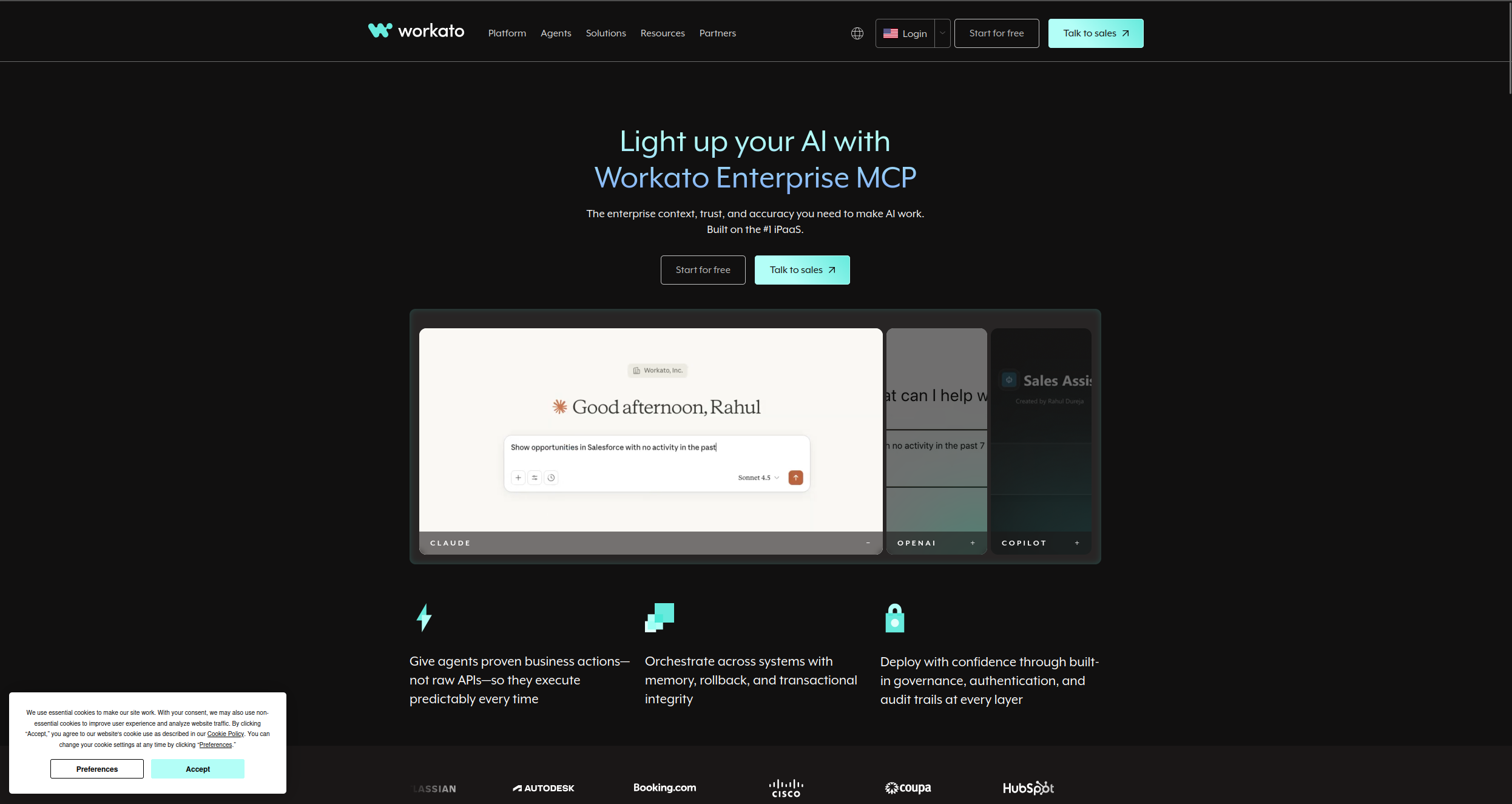
12. Workato — Best Enterprise Replacement
Workato targets the enterprise integration (iPaaS) space where n8n often fails: deep ERP and CRM connectivity, enterprise governance, and complex data orchestration across business-critical systems. Its AI-assisted recipe builder can generate workflow steps from natural language, and the platform handles multi-tenant, compliance-sensitive deployments that n8n’s self-hosted model struggles with.
Pricing:
Enterprise (Custom) — No public pricing. Contracts typically start at $10,000–$15,000/year; full enterprise deployments often exceed $50,000/year
Pricing is based on recipe count, connector tiers (standard vs. premium), and monthly active users
Free trial available via sales engagement; no self-service signup for full platform access
Key features:
1,200+ pre-built enterprise connectors including SAP, Oracle, Workday, Salesforce, ServiceNow, and NetSuite
Workato AI (Copilot) generates recipe steps from natural language descriptions
Recipe Lifecycle Management for staging, testing, and production deployment with governance controls
Role-based access control, audit logs, and data masking for compliance-sensitive environments
On-prem agent for connecting to internal databases and behind-firewall systems
Real-time and batch processing modes with high-volume event handling
Built-in API platform for exposing internal data as APIs without custom development
No self-service pricing — enterprise contracts only
Significant implementation cost
Not suitable for individual teams or SMBs
Best for: Large enterprises replacing n8n in environments that require deep ERP/CRM connectivity, IT governance, compliance controls, and dedicated implementation support.
How to Choose the Right n8n Alternative
You want AI reasoning, not just triggers → FlowHunt. If the reason you’re leaving n8n is its AI limitations, FlowHunt is the only no-code platform purpose-built for agent-based automation. No server required.
You want open-source with a simpler interface → Activepieces. The closest n8n replacement with a less steep learning curve, still fully self-hostable.
Your team writes code and wants full control → Windmill or Pipedream. Windmill for internal tools and scripts; Pipedream for event-driven workflows mixing connectors and code.
You need LLM/AI workflows specifically, self-hosted → Flowise. Built on LangChain with a visual editor — the open-source answer to AI agent workflows.
Your workflows are Python data pipelines → Prefect. Native Python orchestration with strong observability, no compromise.
You need long-running, failure-tolerant workflows → Temporal. Nothing else guarantees durable execution like Temporal.
You want managed infrastructure, widest integration catalog → Make or Zapier. Give up self-hosting, gain polish and coverage.
The Case for Dropping Self-Hosting Entirely
One underrated consideration when choosing an n8n alternative: the real cost of self-hosting isn’t the server — it’s the engineering time. Upgrades, monitoring, backups, scaling, and debugging infrastructure failures are all work that doesn’t ship product.
For teams whose automation workflows are business-critical, a managed platform like FlowHunt eliminates that entire category of work. The AI workflow automation
runs, it scales, and when something breaks the platform tells you — without a 2am PagerDuty alert about a crashed container.
For teams where data sovereignty is non-negotiable, Activepieces or Windmill give you the closest thing to n8n’s control without n8n’s rough edges.
Bottom Line
The best n8n alternative in 2026 depends on why you’re leaving:
Want AI workflows without servers → FlowHunt
Want open-source simplicity → Activepieces
Want developer code + automation → Windmill or Pipedream
Want AI agent flows, self-hosted → Flowise
Want Python data orchestration → Prefect
Want durable long-running execution → Temporal
Want maximum app coverage, managed → Make or Zapier
Start with FlowHunt’s free tier
or book a demo
to see how teams are replacing their self-hosted automation stacks. Related reading:
FlowHunt is the best n8n alternative for teams that want AI-native automation without managing servers. Activepieces is the closest open-source alternative with self-hosting. For data pipeline orchestration, Prefect leads. For durable long-running workflows in code, Temporal is unmatched.
The most common reasons: self-hosting n8n requires ongoing DevOps maintenance (upgrades, scaling, backups); its AI workflow features are functional but not purpose-built; debugging complex flows is harder than in dedicated platforms; and the cloud version's pricing competes with better-featured alternatives at similar cost.
Yes — Activepieces, Windmill, Automatisch, and Flowise are all open-source and free to self-host. Prefect and Temporal have generous free tiers. FlowHunt offers a free cloud tier that eliminates the self-hosting burden entirely.
Activepieces, Windmill, Automatisch, Flowise, and Prefect all support self-hosting via Docker. Temporal requires more infrastructure setup but offers the strongest guarantees for long-running workflows. FlowHunt, Make, and Zapier are cloud-only.
FlowHunt is purpose-built for AI-native automation — combining a visual workflow editor with AI agents that can reason, use tools, and handle unstructured inputs. Flowise is the best open-source option specifically for LLM-based workflows.
Arshia is an AI Workflow Engineer at FlowHunt. With a background in computer science and a passion for AI, he specializes in creating efficient workflows that integrate AI tools into everyday tasks, enhancing productivity and creativity.
Arshia Kahani
AI Workflow Engineer
The n8n Alternative Built for AI Teams — Try FlowHunt Free
Get n8n's power without the DevOps overhead. Build AI-native workflows that reason, adapt, and automate complex tasks across your stack — no server required.
Best No-Code Automation Tools in 2026: 10 Platforms Compared
The definitive guide to no-code automation platforms in 2026. We compare 10 tools — from visual workflow builders to AI-native platforms — to help you automate ...
Best Zapier Alternatives in 2026: 12 Tools That Do More for Less
Ranked and reviewed: the 12 best Zapier alternatives in 2026. Whether you need AI-native automation, cheaper pricing, self-hosting, or enterprise power — there'...
Best Workflow Automation Tools in 2026: 12 Platforms Ranked and Reviewed
Ranked and reviewed: the 12 best workflow automation tools in 2026. Comparison table, pricing, free tiers, and a clear verdict on which platform fits your team.
12 min read
Automation
AI Tools
+3
Cookie Consent We use cookies to enhance your browsing experience and analyze our traffic. See our privacy policy.