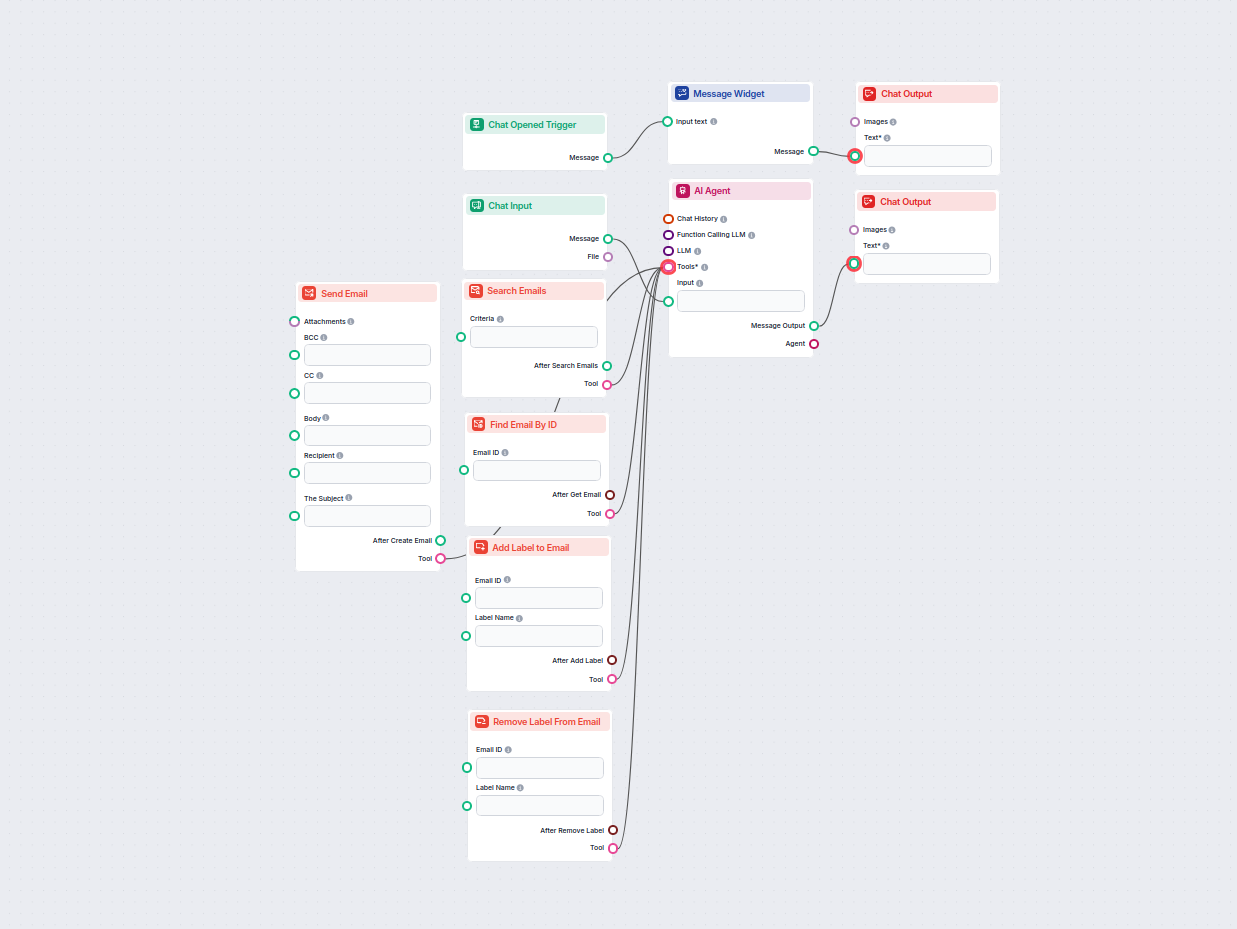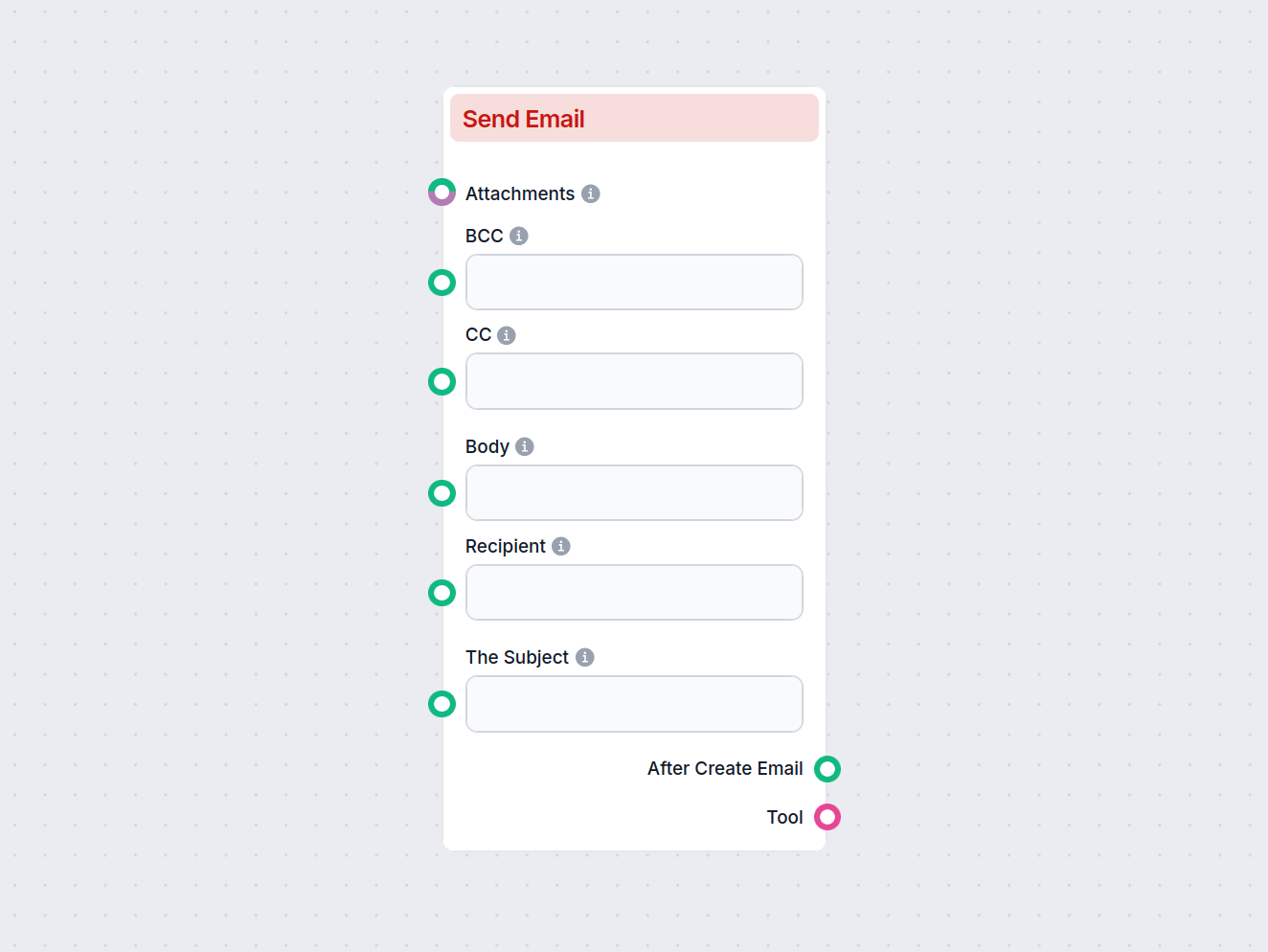
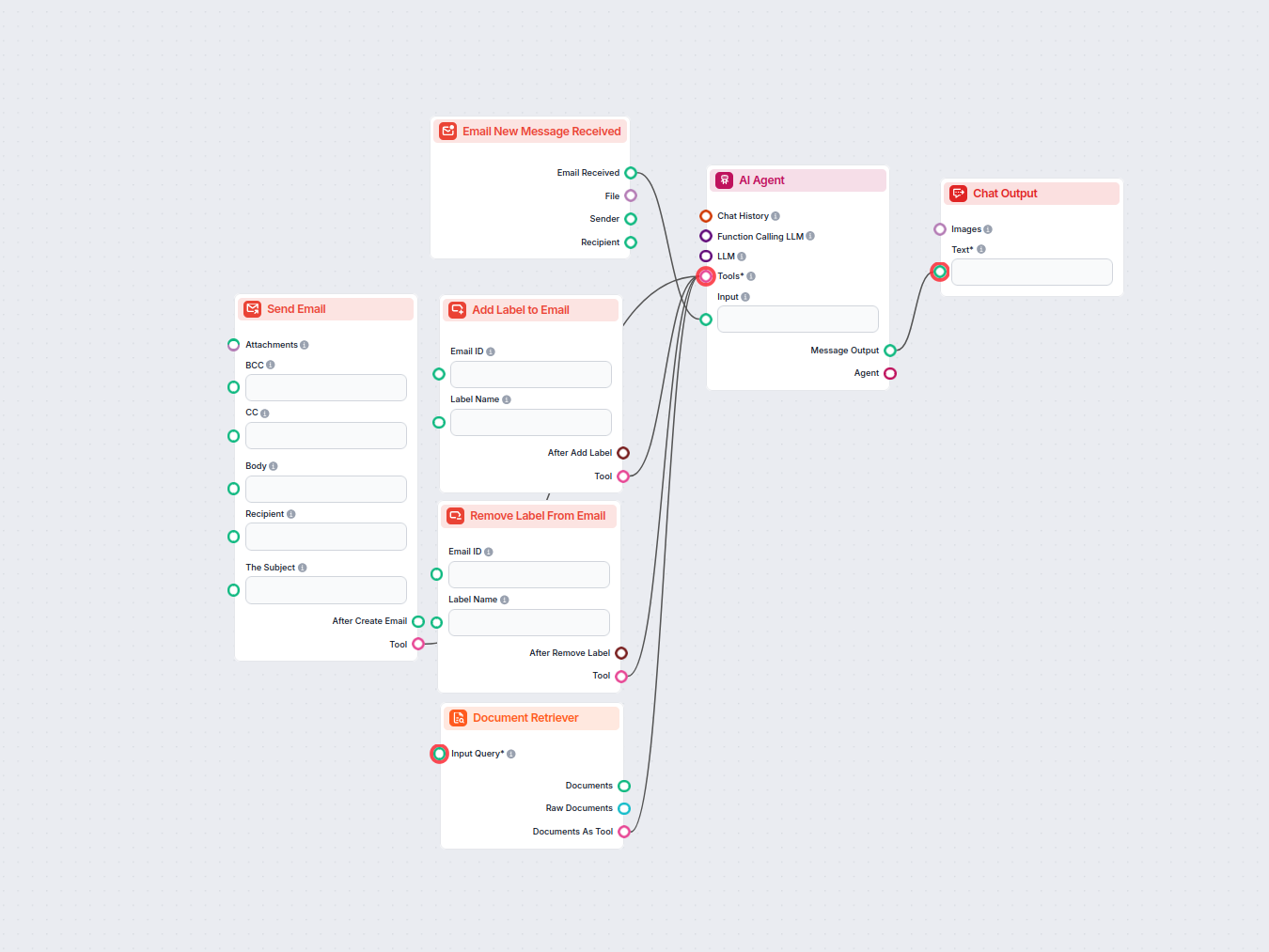
The Send Email component enables the creation and sending of new emails, specifically designed to interact with Gmail. Users can configure various aspects of the email, such as recipients, subject, body, attachments, and more. This component can be a valuable part of an AI workflow where automated or dynamic email communication is required.
What Does This Component Do?
This component automates the process of composing and sending emails. By providing the necessary input fields, it allows workflow builders to generate emails, save drafts, add attachments, set recipients (including CC and BCC), and even reply to previous messages. It is particularly useful in scenarios such as automatic notifications, customer communication, or integrating email responses into larger AI-driven processes.
Inputs
The component comes with several configurable inputs:
| Field | Type | Description | Required | Advanced |
|---|---|---|---|---|
| Recipient | String | The main recipient(s) of the email. | No | No |
| CC | String | Email addresses to be included as CC (carbon copy). | No | No |
| BCC | String | Email addresses to be included as BCC (blind carbon copy). | No | No |
| Subject | String | The subject line of the email. | No | No |
| Body | String | The main content/body of the email. | No | No |
| Attachments | Message/Attachment | Attach files to the email. | No | No |
| Draft | Boolean | If set to true, the email will be saved as a draft and not sent. | No | No |
| Reply | Boolean | If set to true, the email will be sent as a reply to a specified message. | No | No |
| Tool Name | String | (Advanced) Internal name to refer to the tool in an agent-based system. | No | Yes |
| Tool Description | String (multi-line) | (Advanced) Describe the tool to help agents understand its usage. | No | Yes |
| Verbose | Boolean | (Advanced) Toggle for verbose output, useful for debugging or logging. | No | Yes |
Outputs
When the component is executed, it generates the following outputs:
- After Create Email (
Message):
Returns a message object representing the result or status after creating/sending the email. - Tool (
Tool):
Represents the tool instance itself, which can be useful for further integration or chaining in agent-based workflows.
Why Use This Component?
- Automated Communication: Integrate seamless, automated email sending into your AI workflows, reducing manual effort and improving efficiency.
- Customizable: Supports a wide range of standard email fields, including attachments and reply functionality, making it adaptable to many use cases.
- Draft and Debug Support: Ability to save drafts and enable verbose output helps in testing and development environments.
- Agent Integration: Advanced fields like Tool Name and Tool Description make this component easy to use in agent-driven or orchestrated AI processes.
Example Use Cases
- Sending notifications or reports automatically to users or teams.
- Generating and dispatching replies in customer service workflows.
- Attaching dynamically generated files (e.g., invoices, summaries) in automated emails.
- Integrating email communication as part of a broader multi-step AI process.
Summary Table
| Feature | Supported |
|---|---|
| Multiple Recipients (To/CC/BCC) | ✔️ |
| Email Subject & Body | ✔️ |
| Attachments | ✔️ |
| Save as Draft | ✔️ |
| Reply to Existing Message | ✔️ |
| Advanced Agent Integration | ✔️ |
| Verbose/Debug Mode | ✔️ |
This component is a flexible and robust solution for integrating email functionality into your AI-powered workflows.