
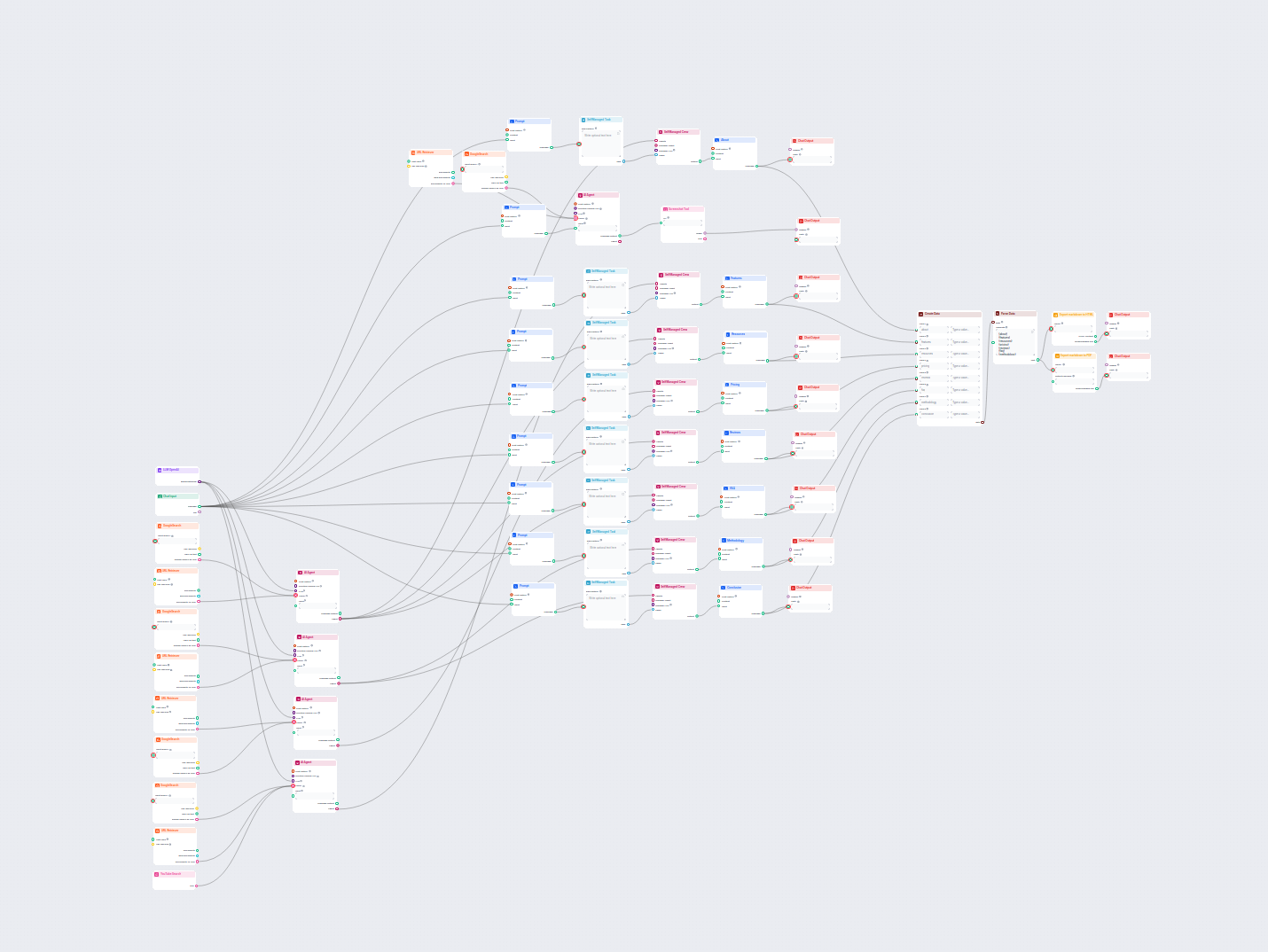
AI Software Review Article Generator
Generate comprehensive, SEO-optimized product review articles for software tools, including detailed features, pricing, user reviews, resources, and more, with ...
4 min read
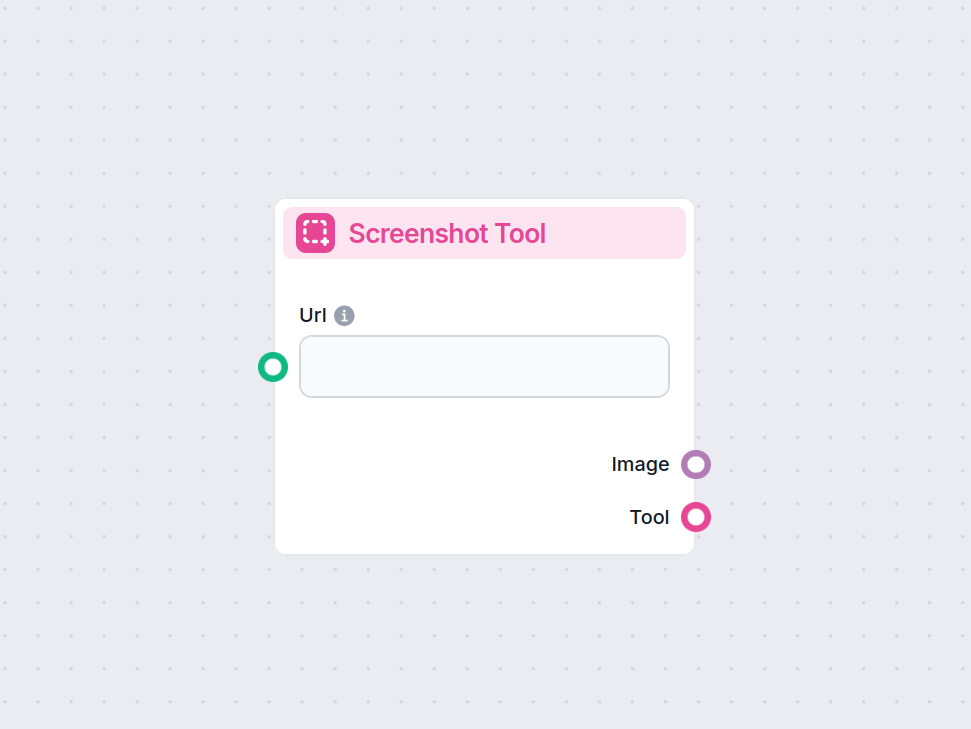
The Screenshot Tool component captures images of web pages by URL, enabling automated visual data collection in your workflow.
Component description
The Screenshot Tool is a component designed to capture screenshots of web pages given a URL. This tool can be integrated into AI-powered workflows to automate the process of visually documenting websites, archiving web content, or providing image-based evidence of a web resource at a specific point in time.
The component accepts the following inputs:
| Input Name | Type | Required | Default | Description |
|---|---|---|---|---|
Url (input_url) | String | No | The full URL (including protocol, e.g., https://) of the web page to capture. | |
Screenshot Width (screenshot_width) | Integer | No | 1366 | Width of the screenshot in pixels (1 to 1366). |
Screenshot Height (screenshot_height) | Integer | No | 768 | Height of the screenshot in pixels (1 to 768). |
Tool Name (tool_name) | String | No | Optional name for referencing the tool in an agent. | |
Tool Description (tool_description) | String (multiline) | No | Optional detailed description to help agents understand how to use the tool. | |
Verbose (verbose) | Boolean | No | False | Enables verbose output for debugging or logging purposes. |
The component produces the following outputs:
| Output Name | Type | Description |
|---|---|---|
| Image | FlowSessionAttachmentResponse | The captured screenshot image as an attachment. |
| Tool | Tool | The configured tool object for integration/usage. |
This component is straightforward to use and highly valuable for workflows that require visual documentation or processing of web resources.
To help you get started quickly, we have prepared several example flow templates that demonstrate how to use the Screenshot Tool component effectively. These templates showcase different use cases and best practices, making it easier for you to understand and implement the component in your own projects.
Generate comprehensive, SEO-optimized product review articles for software tools, including detailed features, pricing, user reviews, resources, and more, with ...
Automate website screenshots and streamline your workflows with the Screenshot Tool component—no manual steps required.
Cookie Consent
We use cookies to enhance your browsing experience and analyze our traffic. See our privacy policy.